The best free VPNs for torrenting in 2026
The best free VPNs for torrenting in 2026Looking forthe best free VPNs for torrenting p2p? In this review, I will discuss reliable options that help bypass blocks and protect your personal data while...
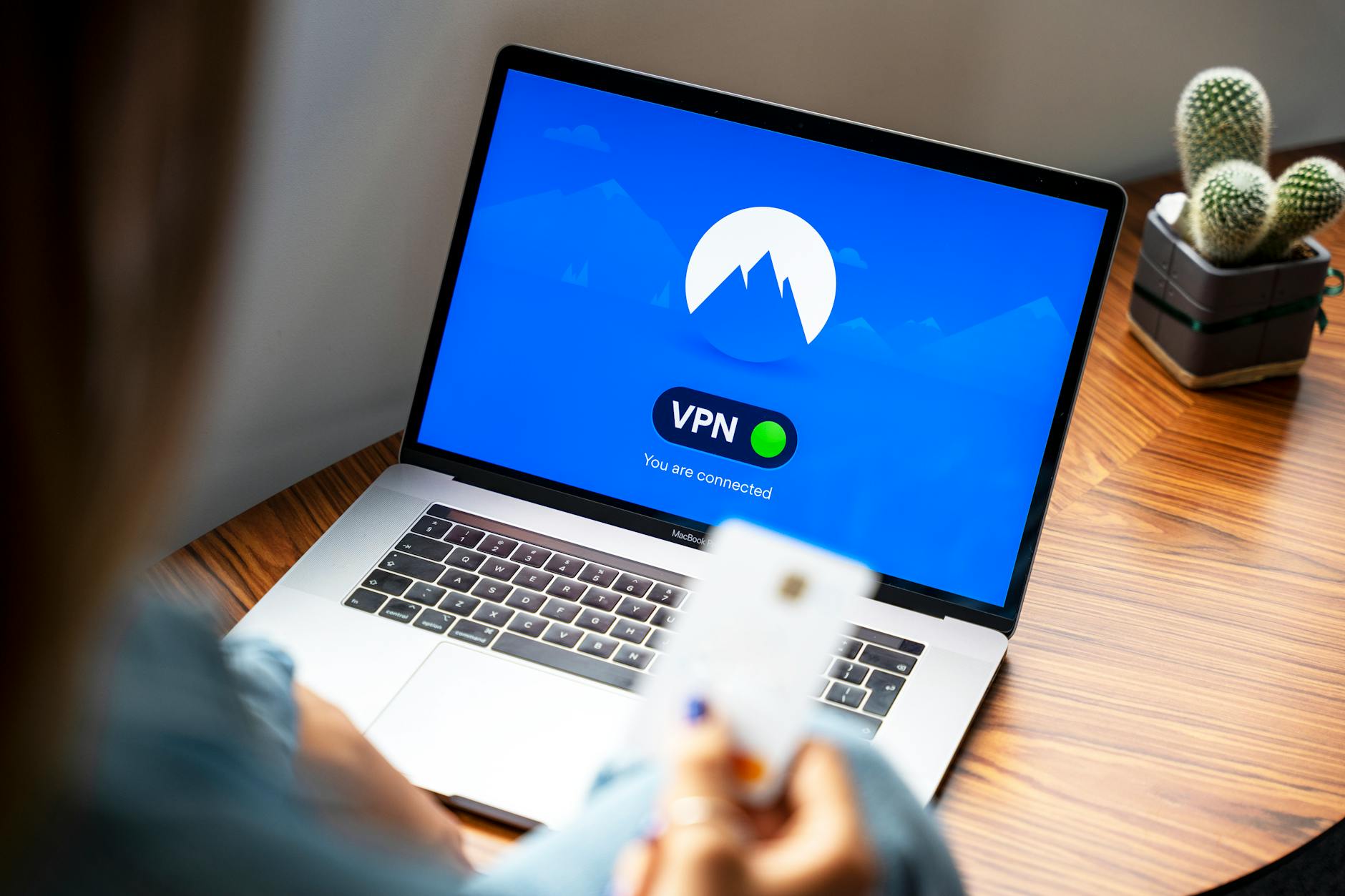
The best free VPNs for torrenting in 2026
Looking forthe best free VPNs for torrenting p2p? In this review, I will discuss reliable options that help bypass blocks and protect your personal data while downloading. VPN has become an integral part of safe internet surfing, especially when it comes to torrenting.
What is a VPN and why is it needed for torrenting?
Definition of VPN
A VPN, or virtual private network, creates a secure connection between your device and the internet. It encrypts the data transmitted over the network, making it inaccessible to prying eyes. This is especially important when torrenting, where personal information can be vulnerable.
Why is a VPN needed for torrenting
When you use torrent clients, your IP address becomes visible to other users. This can lead to issues with content rights and even fines.The best free VPNs for torrenting p2p hide your IP address, ensuring anonymity.
Advantages of using a VPN
The advantages of using a VPN for torrenting include:
- Protection of personal data.
- Bypassing blocks and censorship.
- Increased download speed.
Top free VPNs for torrenting in 2026
VPN 1: ProtonVPN
ProtonVPN offers a free plan with limited features but good protection. It supports P2P, making it suitable for torrenting.
VPN 2: Windscribe
Windscribe provides 10 GB of traffic per month and also supports P2P. It is important to note that the speed may be lower than paid options.
VPN 3: Hide.me
Hide.me offers 2 GB of traffic per month and is easy to use. Suitable for basic torrenting but with speed limitations.
VPN 4: NvoVPN
NvoVPN is another interesting option. It has a free plan that is great for torrenting, although with speed limitations.
How to set up a VPN for torrenting on different devices
Setup on Android
To set up a VPN on Android, download the app from Google Play, log into your account, and select a server. Don't forget to enable P2P support in the app settings.
Setup on iPhone/iOS
On iPhone, the setup is similar. Install the app, log into your account, and select a server for torrenting. Be sure to check the encryption settings.
Setup on Windows
On Windows, download the VPN client, install it, and log in. Choose a server that supports P2P and connect.
Setup on Mac
The process on Mac is similar to Windows. Install the app, log in, and select the desired server for downloading torrent files.
Setup on routers
Setting up on routers can be more complex, but it allows you to protect all devices on the network. Set up the VPN on the router by following the manufacturer's instructions.
Bypassing blocks and DPI: how VPN helps
What is DPI?
DPI (Deep Packet Inspection) is a technology used by internet providers to analyze traffic. With it, they can block access to certain services.
How VPN bypasses blocks
A VPN encrypts your traffic, making it invisible to DPI. This allows you to bypass blocks and access torrents even if your provider is trying to restrict them.
Roskomnadzor blocks
Roskomnadzor actively blocks access to torrent sites. Using a VPN allows you to bypass these blocks and continue downloading content without restrictions.
Can free VPNs be used for torrenting?
Yes, but with risks. Free VPNs often have limitations on speed and traffic and may also be less secure.
How to choose the best VPN for torrenting?
Pay attention to speed, availability of P2P support, and level of encryption. It is best to choose a VPN with good reviews and speed tests.
How to check VPN speed when torrenting?
Use specialized services like Speedtest to check your connection speed. Keep in mind that speed may vary depending on the server.
What protocols are best to use for torrenting?
WireGuard and OpenVPN are considered the most reliable. They provide a good balance between speed and security.
What to do if the VPN doesn't work with torrents?
Check the connection settings and choose another server. It is also worth ensuring that your VPN supports P2P.
Related articles
You might also like
Как установить VPN на Android в 2026: пошаговая инструкция
Как установить VPN на Android в 2026: пошаговая инструкция Если YouTube грузится по три минуты, Ins...
Read moreVPN на айфон: настройка конфигурации в 2026
VPN на айфон: настройка конфигурации в 2026 Если вам прислали файл конфигурации или ссылку на VPN-с...
Read moreVPN для айфона с GitHub: бесплатные конфиги в 2026
VPN для айфона с GitHub: бесплатные конфиги в 2026 Если вы вбили в поиск «впн для айфон гитхаб», ск...
Read more