Do you really need a VPN? When it's worth paying for
Is it worth buying a VPN in 2026?The question of whether to buy a VPN remains relevant in 2026. Ensuring security online and the ability to bypass restrictions on platforms like YouTube, TikTok, and I...
Is it worth buying a VPN in 2026?
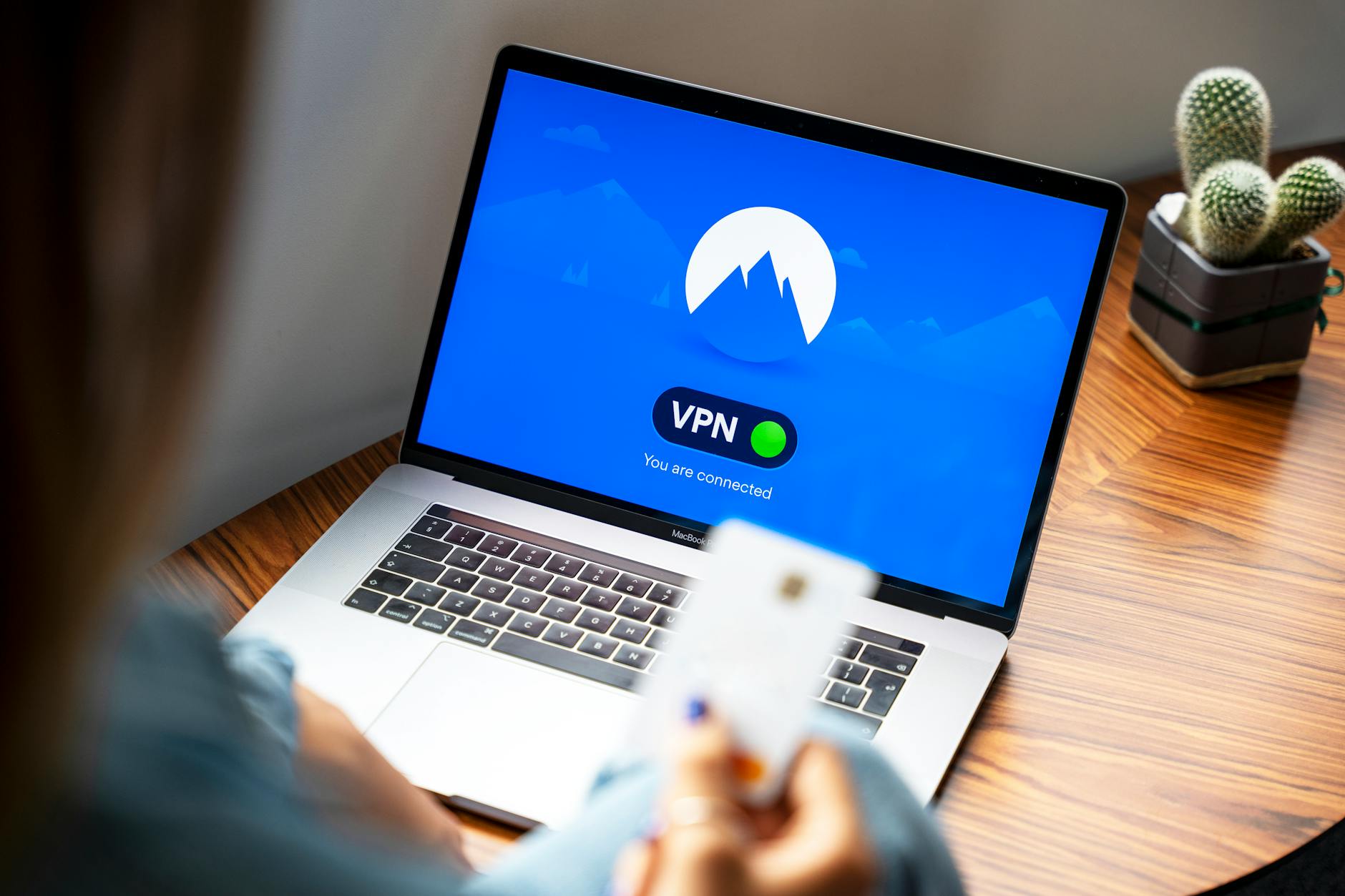
The question of whether to buy a VPN remains relevant in 2026. Ensuring security online and the ability to bypass restrictions on platforms like YouTube, TikTok, and Instagram are becoming increasingly important for users. In this article, I will discuss the benefits of using a VPN, how to choose the right service, and provide setup tips for various devices.
Benefits of using a VPN
There are many reasons to consider purchasing a VPN. I will highlight the main benefits that may influence your decision.
Bypassing restrictions
A VPN allows you to bypass restrictions imposed by internet providers or government authorities, such as Roskomnadzor. With a VPN, you can freely access blocked websites and applications. For example, you will be able to fully watch YouTube, use TikTok without limitations, and access Instagram even if it is blocked.
Security and privacy
Using a VPN significantly increases your level of security online. It encrypts your traffic, making it inaccessible to malicious actors. In the context of rising cyberattacks and surveillance of users, this becomes especially relevant. Additionally, a VPN helps hide your IP address, enhancing your anonymity.
Improving internet connection speed
In some cases, a VPN can even improve your internet connection speed. This happens when your provider throttles speed on certain resources. By using a VPN, you can bypass these limitations and achieve a more stable connection.
How to choose a VPN for bypassing restrictions
Not all VPNs are equally effective for bypassing restrictions. It is important to consider several factors when choosing a service.
Comparison of protocols: WireGuard, OpenVPN, and others
The protocols used by VPNs play a key role in their operation. WireGuard, for example, offers high speed and ease of setup. OpenVPN, on the other hand, is more versatile and reliable, but can sometimes be slower. There are also IKEv2 and Shadowsocks protocols that can be useful in certain conditions. I recommend testing several protocols to understand what works best in your situation.
Checking for provider restrictions
Before choosing a VPN, it is worth checking it for provider restrictions. Some services may be blocked in your country, so it is important to ensure that the VPN you choose works without limitations.
Speed tests and performance
Don't forget about speed tests. I always recommend checking how the chosen VPN affects your internet connection speed. Some services may significantly slow down speed, making their use unprofitable.
Setting up a VPN on various devices
Setting up a VPN may vary depending on the device. Here are some simple instructions for setup on popular platforms.
Setup on Android
To set up a VPN on Android, you need to download the app of the chosen service from Google Play. After installation, enter your credentials and select a protocol. Then just press the connect button.
Setup on iPhone/iOS
On iPhone, the process is similar. Download the app, enter your details, and connect. Note that some VPNs may require additional settings in the "Settings" section of your device.
Setup on Windows and Mac
On Windows and Mac, you need to install the VPN client. After installation, enter your credentials and select the necessary settings. I recommend checking the security settings to ensure everything works as it should.
Setup on routers and Smart TVs
Setting up a VPN on routers can be more complicated, but it is possible. You need to go into the router settings and enter the VPN details in the appropriate section. For Smart TVs, the process is similar, but you may need to install a third-party app for proper operation.
Frequently asked questions about VPNs
How does a VPN help bypass restrictions?
A VPN encrypts your traffic and changes your IP address, allowing you to bypass restrictions and access blocked resources.
Can I use a VPN for streaming video?
Yes, a VPN can be used to bypass restrictions on streaming platforms like Netflix or Hulu. This allows you to watch videos that are not available in your region.
How to choose a reliable VPN service?
When choosing a VPN, pay attention to security, speed, support for multiple devices, and a good reputation among users.
What is DPI and how does it affect VPNs?
Deep Packet Inspection (DPI) is a method of traffic analysis that can block VPNs. Some providers use DPI to restrict access to services.
How to set up a VPN on a router?
To set up a VPN on a router, you need to go into its settings, find the VPN section, and enter your service details. This will allow all devices on your network to use the VPN.
Related articles
You might also like
Как установить VPN на Android в 2026: пошаговая инструкция
Как установить VPN на Android в 2026: пошаговая инструкция Если YouTube грузится по три минуты, Ins...
Read moreVPN на айфон: настройка конфигурации в 2026
VPN на айфон: настройка конфигурации в 2026 Если вам прислали файл конфигурации или ссылку на VPN-с...
Read moreVPN для айфона с GitHub: бесплатные конфиги в 2026
VPN для айфона с GitHub: бесплатные конфиги в 2026 Если вы вбили в поиск «впн для айфон гитхаб», ск...
Read more