How to choose the right VPN in 2026
How to choose the right VPN in 2026Today, as access to information becomes increasingly restricted, many users are looking for a reliable way to bypass blocks. In this context, the question of how to...
How to choose the right VPN in 2026
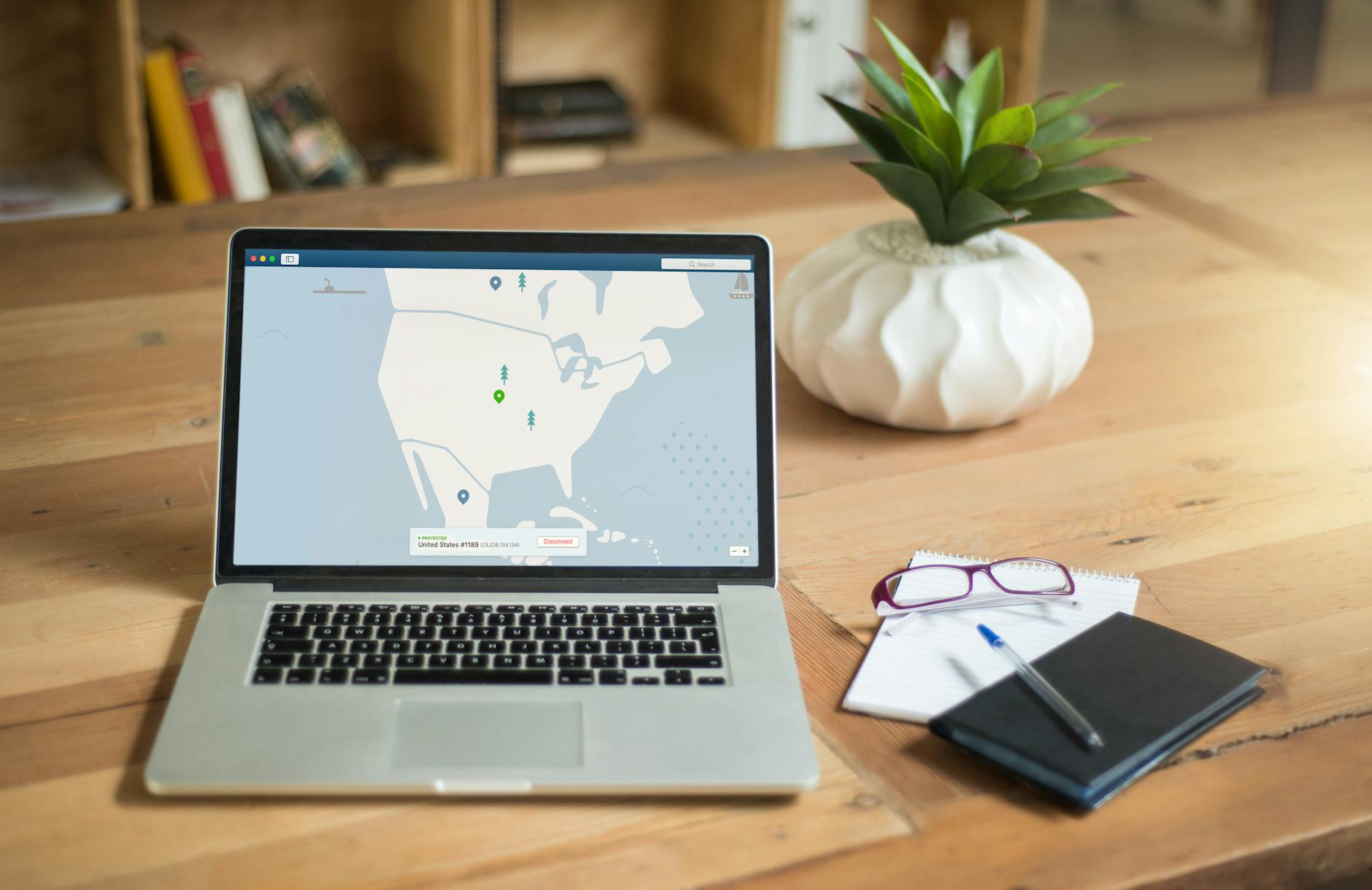
Today, as access to information becomes increasingly restricted, many users are looking for a reliable way to bypass blocks. In this context, the question of how to choose the right VPN becomes particularly relevant. A VPN will help not only bypass blocks on platforms like YouTube and TikTok but also protect your privacy online.
What is a VPN and why is it needed?
Definition of VPN
A VPN (Virtual Private Network) is a virtual private network that creates a secure connection between your device and the internet. It encrypts your traffic and hides your IP address, allowing you to bypass geographical restrictions and blocks.
Advantages of using a VPN
Using a VPN has many advantages. First, it ensures the security of your data. Second, it provides access to blocked services. And finally, anonymity. You can use the internet without fearing that your actions will be tracked.
How a VPN helps bypass blocks
A VPN allows you to bypass blocks by creating a tunnel between your device and the VPN server. Your traffic passes through this tunnel, making it invisible to providers and Roskomnadzor. This is especially useful for accessing platforms like Instagram, Facebook, and Telegram, which may be blocked in your region.
How to choose a VPN to bypass blocks?
Criteria for choosing a VPN
When choosing a VPN to bypass blocks, several factors need to be considered. First, the connection speed. Second, the supported protocols. And third, compatibility with your devices. These parameters can significantly affect the quality of your internet connection.
Comparison of protocols: WireGuard, OpenVPN, and others
Today, there are several popular VPN protocols. WireGuard is the newest and fastest protocol, offering excellent performance and security. OpenVPN is an older but also reliable option. IKEv2 and Shadowsocks also have their advantages, especially in conditions of strict blocks.
Speed tests and performance
When it comes to speed, it's important to test different VPN services. I personally conducted tests with NvoVPN, and connection speed is indeed important for comfortable video viewing and working with applications. Use online speed tests to determine which VPN works best in your region.
Setting up a VPN on different devices
Setting up on Android
To set up a VPN on Android, you need to download the VPN app from Google Play. After installation, enter your credentials and select a server. In the settings, you can choose a protocol if this option is available.
Setting up on iPhone/iOS
On iPhone, the setup is a bit more complicated. Go to Settings > General > VPN and add a new connection. Enter the data provided by your VPN service. Don't forget to activate the VPN after setup.
Setting up on Windows and Mac
On Windows and Mac, the process is similar. Install the VPN app, enter your username and password, and select a server. On Windows, you can also set up the VPN through the built-in network settings.
Setting up on routers and Smart TVs
Setting up a VPN on routers allows you to protect all devices on the network. To do this, you need to access the router settings and enter the VPN data. On Smart TVs, there is usually an option to install a VPN app or set it up through the router.
Problems and limitations when using a VPN
Blocks by providers and Roskomnadzor
Sometimes providers may block VPN services. This can cause connection issues. If you encounter such a situation, try changing the server or protocol.
DPI and its impact on speed
DPI (Deep Packet Inspection) is a technology used by providers to analyze traffic. It can slow down your connection, especially if you are using a VPN. Choosing the right protocol can help minimize the impact of DPI.
What doesn't work with a VPN
Some services, such as banking apps, may block access through a VPN. This should be taken into account when choosing a VPN and configuring it.
Which VPN is best for bypassing blocks?
Compare speed, protocols, and compatibility. Personally, I like NvoVPN for its stable performance and high speed.
Can I use a VPN on a Smart TV?
Yes, but it needs to be set up correctly. Install the app or configure it through the router.
How to check VPN speed?
Use online speed tests. This will help you determine how effectively your VPN is working.
What is DPI and how does it affect VPN?
DPI can slow down the connection and block VPNs. Choosing a fast protocol can help bypass these restrictions.
How to choose a VPN for working with Telegram and WhatsApp?
Look for a VPN with a good reputation and low latency. This will ensure stable operation of messengers.
Related articles
You might also like
Как установить VPN на Android в 2026: пошаговая инструкция
Как установить VPN на Android в 2026: пошаговая инструкция Если YouTube грузится по три минуты, Ins...
Read moreVPN на айфон: настройка конфигурации в 2026
VPN на айфон: настройка конфигурации в 2026 Если вам прислали файл конфигурации или ссылку на VPN-с...
Read moreVPN для айфона с GitHub: бесплатные конфиги в 2026
VPN для айфона с GitHub: бесплатные конфиги в 2026 Если вы вбили в поиск «впн для айфон гитхаб», ск...
Read more