The best VPN extensions for Chrome in 2026
The best VPN extensions for Chrome in 2026If you are looking for the best VPN extension for Chrome, you have come to the right place. In this review, I will explain what a VPN is, how they work, and w...
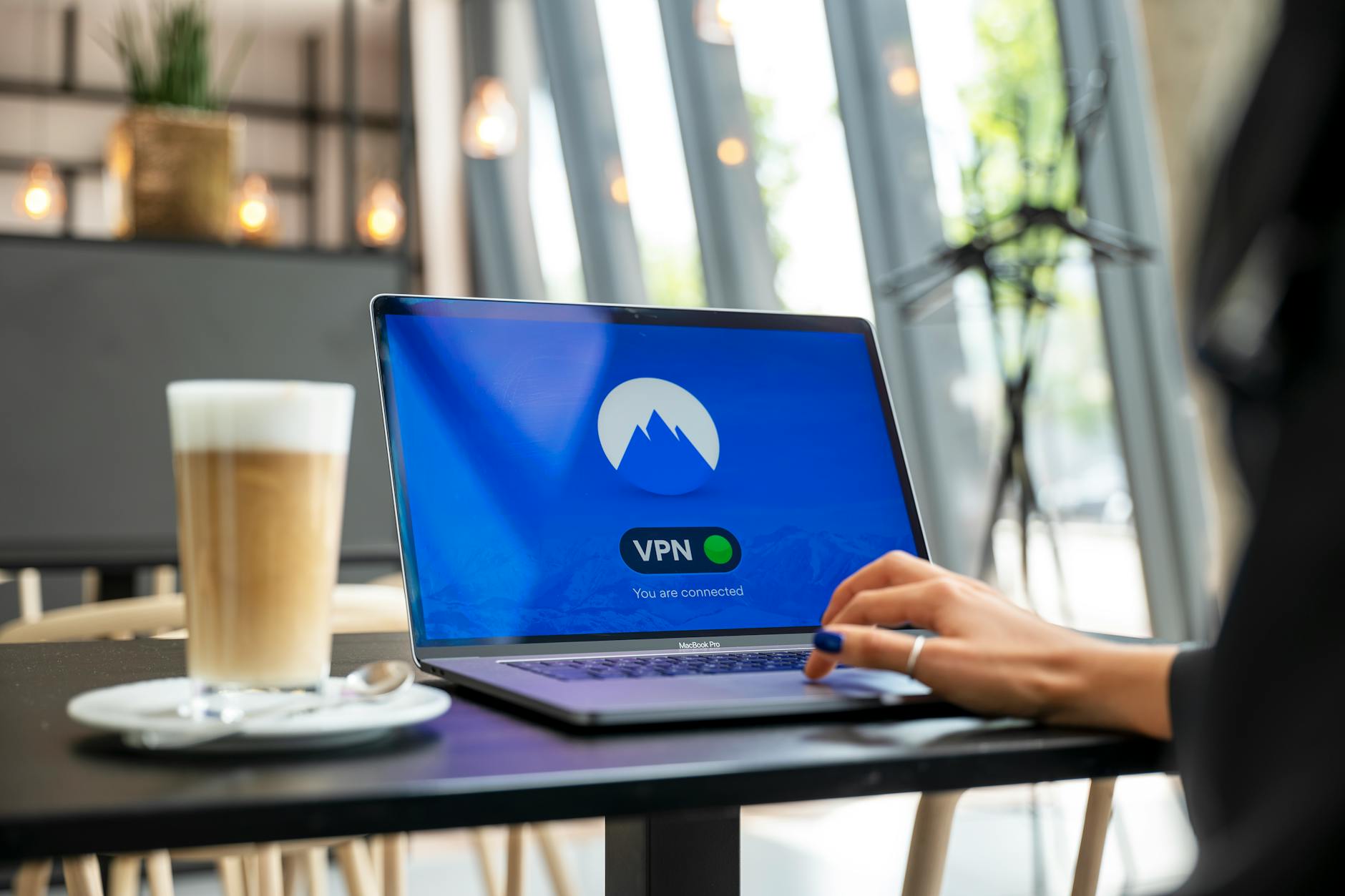
The best VPN extensions for Chrome in 2026
If you are looking for the best VPN extension for Chrome, you have come to the right place. In this review, I will explain what a VPN is, how they work, and which extensions are suitable for safe and anonymous surfing on the internet. Learn how to bypass blocks and protect your data.
What is a VPN extension for Chrome?
A VPN (Virtual Private Network) is a virtual private network that allows users to connect to the internet securely. Browser extensions for Chrome make this process convenient and accessible.
Definition of VPN
A VPN creates an encrypted connection between your device and the provider's server, allowing you to hide your activity from third parties. This is especially important for ensuring security on public networks.
How a VPN extension works
The Chrome extension is installed like a regular application. After that, you can connect to a VPN server with just one click, and your internet traffic will be protected.
Advantages of using
Using a VPN extension for Chrome offers several advantages: the ability to bypass blocks, protect personal data, and improve privacy. This is especially relevant for users living in countries with strict internet censorship, such as Russia.
The best VPN extensions for Chrome in 2026
The market for VPN extensions for Chrome offers many options. I tested several of them and highlighted the best.
Overview of popular extensions
- NvoVPN — a simple and effective extension with good speed and a wide selection of servers.
- NordVPN — one of the most well-known extensions, offering a high level of security and many features.
- ExpressVPN — a fast and reliable extension, but with a higher price.
- Surfshark — a cost-effective solution with good security features.
Comparison by criteria
When choosing the best VPN extension for Chrome, pay attention to speed, security, and the number of available servers. For example, NvoVPN offers good speed and protection, while NordVPN stands out with multi-layered security protocols.
Recommendations
I recommend NvoVPN for everyday use and bypassing blocks. It is not only easy to use but also offers decent protection for your data.
How to set up a VPN extension for Chrome
Setting up a VPN extension for Chrome significantly simplifies the process of using a virtual private network. Here’s how to do it.
Installation steps
- Go to the Chrome Web Store.
- Find the desired extension, for example, NvoVPN.
- Click "Install" and wait for the installation to complete.
Configuring the extension
After installation, open the extension and log in using your credentials. Select a server and connect to it. In most cases, this takes just a few seconds.
Speed testing
I conducted speed tests using Speedtest and found that NvoVPN provides stable speed, which is especially important for streaming video and online gaming.
Bypassing blocks and working with DPI
One of the main reasons for using a VPN is to bypass blocks. In this section, I will explain how this works and what technologies help with this.
What is DPI?
DPI (Deep Packet Inspection) is a technology that analyzes internet traffic. Providers can use DPI to block VPN connections and restrict access to websites.
How VPN helps bypass blocks
By using the best VPN extension for Chrome, you can bypass blocks such as those imposed by Roskomnadzor. A VPN encrypts your traffic, making it inaccessible for analysis by providers.
Specifics of working with different platforms
When it comes to bypassing blocks, different platforms may behave differently. For example, YouTube and TikTok may be blocked by providers, but with a VPN, you can access their content without issues.
How to choose the best VPN extension for Chrome?
Compare speed, security, and compatibility. Pay attention to user reviews and tests.
Can I use a VPN to bypass blocks?
Yes, a VPN helps bypass provider blocks and access restricted resources.
How to set up a VPN extension on Chrome?
Follow the installation steps and configure the settings in the extension for comfortable use.
What is DPI and how does it affect VPN?
DPI analyzes traffic and can block VPNs, so it is important to choose extensions that can bypass such restrictions.
How safe is it to use a VPN extension?
Choose trusted extensions with good reviews and a high level of encryption for maximum security.
Related articles
You might also like
Как установить VPN на Android в 2026: пошаговая инструкция
Как установить VPN на Android в 2026: пошаговая инструкция Если YouTube грузится по три минуты, Ins...
Read moreVPN на айфон: настройка конфигурации в 2026
VPN на айфон: настройка конфигурации в 2026 Если вам прислали файл конфигурации или ссылку на VPN-с...
Read moreVPN для айфона с GitHub: бесплатные конфиги в 2026
VPN для айфона с GitHub: бесплатные конфиги в 2026 Если вы вбили в поиск «впн для айфон гитхаб», ск...
Read more