Best VPN for a Year: Review and Comparison for 2026
Best VPN for a Year: Review and Comparison for 2026Are you looking for the best annual subscription VPN to bypass blocks in 2026? You are not alone. Many users are seeking a reliable solution to acces...
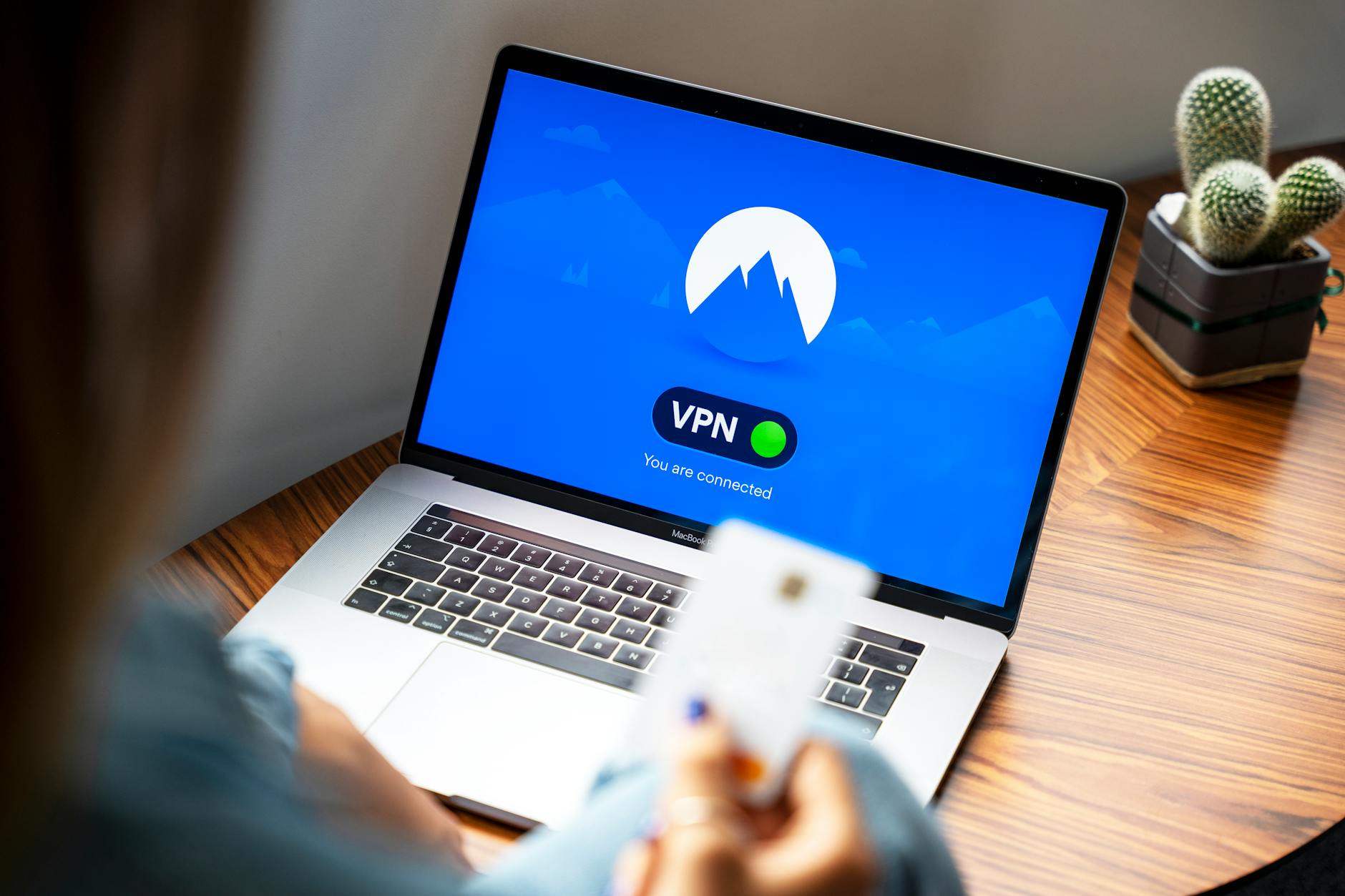
Best VPN for a Year: Review and Comparison for 2026
Are you looking for the best annual subscription VPN to bypass blocks in 2026? You are not alone. Many users are seeking a reliable solution to access popular platforms like YouTube, TikTok, and Instagram, especially as Roskomnadzor actively blocks resources. I conducted research and gathered information on the best VPNs with annual subscriptions to help you make the right choice.
Why do you need a VPN to bypass blocks?
Let's figure out what a VPN is and why it is needed. A VPN (Virtual Private Network) is a technology that creates a secure connection between your device and the internet. This allows you to hide your IP address and encrypt your data, which is especially important in conditions of blocks.
What is a VPN?
A VPN is a virtual private network that provides anonymity on the internet. When using a VPN, your internet traffic passes through a secure server, making you less vulnerable to surveillance and blocks.
How does a VPN help bypass blocks?
With a VPN, you can bypass restrictions set by your internet provider. For example, if Roskomnadzor has blocked access to certain websites, by connecting to a VPN, you will be able to access them. This happens because your traffic goes through a server in another country where access to the desired resources is not restricted.
Why is this necessary in Russia?
In Russia, where internet content is often censored, having a VPN becomes essential. Blocks on popular platforms like Facebook, Twitter, and Telegram make using a VPN relevant for many users.
Review of the best VPNs with annual subscriptions for 2026
Let's look at the best VPNs with annual subscriptions that will help you bypass blocks and ensure security online.
Top 5 VPNs
- NvoVPN — a reliable choice with good speed and support for all popular protocols.
- NordVPN — one of the most well-known VPNs, offers many features and good protection.
- ExpressVPN — high-speed VPN with excellent customer support.
- Surfshark — offers unlimited connections and good protection.
- CyberGhost — user-friendly interface and many servers around the world.
Price and feature comparison
Prices for annual subscriptions vary. For example, NvoVPN offers an annual subscription for 2990 rubles, while NordVPN will cost 3990 rubles. Pay attention to features such as the number of available servers, supported protocols, and the presence of a kill switch.
Advantages of an annual subscription
An annual subscription is usually more cost-effective than a monthly one. You can save up to 50% by gaining access to all VPN features for a whole year. Additionally, many providers offer extra bonuses when purchasing an annual subscription.
How to choose the best VPN for your needs?
Choosing a VPN is not just a matter of price. Here are some criteria to pay attention to.
Selection criteria
Important parameters include speed, number of servers, support for various protocols, and the presence of a kill switch. I strongly recommend reading user reviews before making a purchase.
Protocol comparison
Protocols such as WireGuard, OpenVPN, and IKEv2 have their pros and cons. WireGuard, for example, offers excellent speed and security but may not be well supported by older devices. OpenVPN is a classic, tried and tested, but may be slower in some cases.
Device support
Make sure your VPN supports all the devices you use. Many providers offer apps for Windows, macOS, Android, and iOS, but not all support routers or Smart TVs.
Setting up a VPN on various devices
Now let's look at how to set up a VPN on popular devices. I will include step-by-step instructions to make the process as simple as possible.
Setup on Windows
1. Download and install the VPN app.
2. Log into your account.
3. Select a server and click "Connect."
4. Check that your IP address has changed.
Setup on Android
1. Install the app from Google Play.
2. Open the app and log into your account.
3. Select a server and click "Connect."
4. Make sure the app is running in the background.
Setup on routers
1. Access the router settings through your browser.
2. Find the VPN section and enter your provider's details.
3. Save the settings and restart the router.
4. Check the connection with any device on the network.
How to choose the best VPN to bypass blocks?
Consider speed, protocols, and device support.
Which protocols are the most effective?
Compare WireGuard, OpenVPN, IKEv2, and others.
Can you use a VPN for working with YouTube and TikTok?
Yes, a VPN helps bypass blocks on these platforms.
How to check VPN speed?
Use special services to test speed.
What is DPI and how does it affect VPN?
DPI can slow down the connection if the provider uses it for blocking.
Related articles
You might also like
Free VPN for Linux: working options 2026
Free VPN for Linux: working options 2026 Every time someone searches for free vpn for linux, they co...
Read moreTwitter (X) is not working: how to access it via VPN in 2026
Twitter (X) is not working: how to access it via VPN in 2026 If Twitter is not working right now — i...
Read moreAffordable VPN for iPhone in 2026
Недорогой VPN для iPhone в 2026 году Looking for an affordable VPN for iPhone? You're not alone. Man...
Read more