The best VPN for Android in 2026
The best VPN for Android in 2026Looking for the best VPN for Android in 2026? This year, the selection of VPN services has become more diverse, and understanding their capabilities will help you bypas...
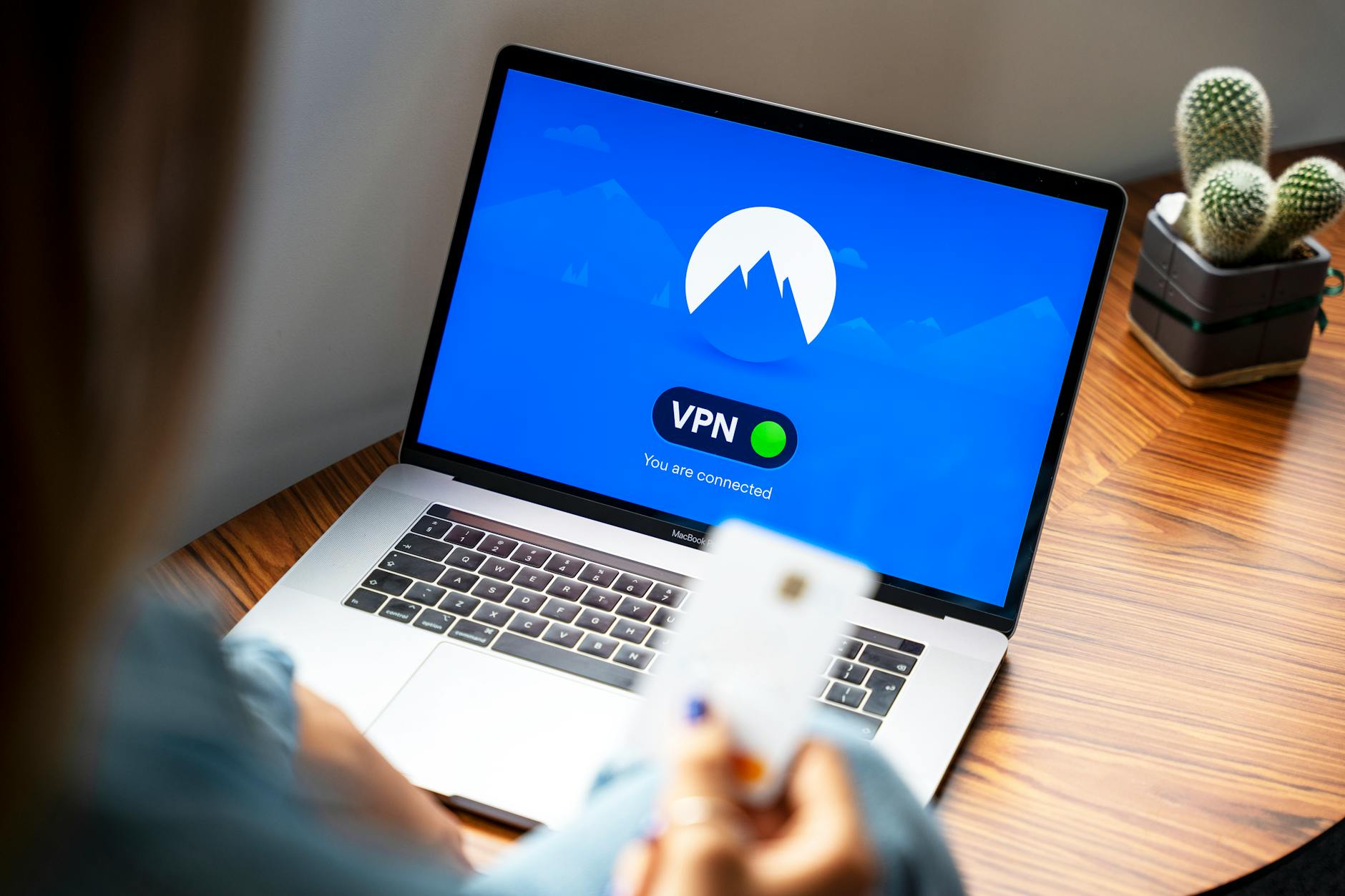
The best VPN for Android in 2026
Looking for the best VPN for Android in 2026? This year, the selection of VPN services has become more diverse, and understanding their capabilities will help you bypass restrictions and protect your privacy. I tested several popular options and am ready to share my findings.
What is a VPN and why is it needed?
Definition of VPN
A VPN (Virtual Private Network) is a technology that creates a secure connection between your device and the internet. It encrypts your data and hides your IP address, making your online activity more anonymous.
Advantages of using a VPN
Using a VPN has many advantages. The main one is security. Your data is protected from interception, especially on public Wi-Fi networks. Additionally, a VPN allows you to bypass geographical restrictions and blocks, which is particularly relevant for Russia.
How a VPN helps bypass restrictions
With a VPN, you can bypass restrictions imposed by internet providers or government authorities, such as Roskomnadzor. It redirects your internet traffic through a server in another country, allowing you to access blocked resources like YouTube, TikTok, or Instagram.
Top VPNs for Android in 2026
Criteria for choosing a VPN
When choosing the best VPN for Android in 2026, several factors should be considered: connection speed, level of security, availability of support for bypassing restrictions, and ease of setup. These aspects will help you choose the most suitable service.
Comparison of popular VPNs for Android
Here are some popular VPN services that stand out in 2026:
- ExpressVPN: High speed and excellent security. Supports all major protocols, including WireGuard and OpenVPN.
- NordVPN: Well-suited for bypassing restrictions, especially in Russia. Also offers leak protection.
- Surfshark: Affordable and reliable, ideal for multi-user use.
- NvoVPN: This service offers good speed and support for bypassing restrictions, including stable connections.
Overview of NvoVPN
NvoVPN is an excellent option for those looking for the best VPN for Android in 2026. It offers numerous servers worldwide, high speed, and reliable encryption, making it ideal for viewing blocked content.
How to set up a VPN on Android
Steps to install a VPN
Installing a VPN on Android is a simple process. First, download the app from Google Play. After installation, open the app and create an account or log into an existing one. Choose a server and click "Connect."
Configuring protocols: WireGuard, OpenVPN, and others
It's important to configure the right protocol. WireGuard offers excellent speed and security, while OpenVPN is more time-tested and also secure. The choice depends on your preferences and needs.
Speed testing after setup
After installation, I recommend testing your connection speed. I used the Speedtest app to check how the VPN affects speed. In most cases, the speed reduction did not exceed 20%, which is quite acceptable.
Bypassing restrictions: what you need to know
How provider restrictions work
Internet providers use various methods to block access to websites. The most common are IP address and URL filtering. A VPN helps bypass these restrictions by hiding your real IP address.
Using DPI for blocking
Deep Packet Inspection (DPI) is used to analyze internet traffic and block certain protocols. Some VPNs, like NvoVPN, offer traffic obfuscation, which helps bypass such blocks.
Bypassing restrictions on social networks
Social networks like Facebook and Twitter are often subject to blocks. By using the best VPN for Android in 2026, you can safely access these networks without worrying about restrictions. Just connect to a server in another country, and access will be granted.
How to choose the best VPN for Android?
Consider speed, security, support, and compatibility.
Can a free VPN be used to bypass restrictions?
Free VPNs may have limitations on speed and security.
How to check VPN speed on Android?
Use specialized apps for speed testing.
Which VPN protocols are best to use?
WireGuard and OpenVPN are generally recommended for their security and speed.
How to bypass restrictions on social networks?
Use a reliable VPN and configure it correctly.
Related articles
You might also like
Neva VPN: review, setup, and bypassing blocks 2026
Neva VPN: review, setup, and bypassing blocks 2026 If you came across the name Neva VPN and want to...
Read moreHow to set up a VPN on a Keenetic router in 2026: step by st...
How to set up a VPN on a Keenetic router in 2026: step by step If you want to figure out how to set...
Read moreTelegram does not work with VPN enabled: reasons and solutio...
Telegram does not work with VPN enabled: reasons and solutions Why Telegram does not work with VPN e...
Read more