VPN for Online Banking and Payments Abroad: How to Log In Safely
A practical guide to safely log in to online banking and pay abroad: choose the right location, verify your VPN, stay safe on public Wi-Fi, and fix common issues.
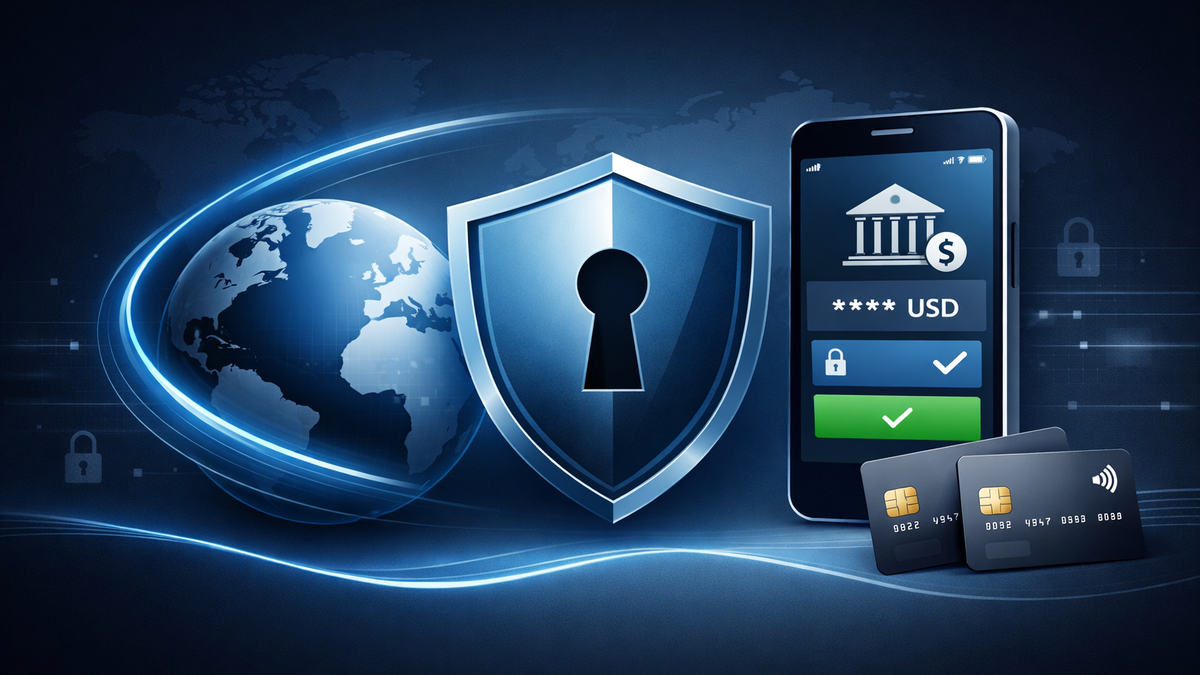
VPN for Online Banking and Payments Abroad: How to Log In Securely and Avoid Blocks
Travel and relocation in 2026 often end the same way: the bank app refuses to log in, a payment service website won’t open, or an attempt to access online banking triggers additional verification or a temporary block. The reasons are almost always technical: geo-restrictions, traffic filtering by ISPs or hotels, throttling of specific protocols, unstable routing, and aggressive anti-fraud systems.
This article provides a practical strategy for using online banking and payment services safely while abroad—without falling into the trap of “turned on VPN → bank blocked access.” As a reference solution, we’ll use NvoVPN, which supports modern WireGuard and OpenVPN protocols, uses strong encryption, and declares a strict no-logs policy—making it especially suitable for travel and unstable networks. (More details at nvovpn.com)
Why Banks “Complain” Abroad and on Unfamiliar Networks
1) Geo-control and risk profiling
Banks and payment services evaluate risk based on a login “fingerprint”: country, IP address, device, typical activity hours, and network type. If you suddenly log in from another country, a hotel Wi-Fi, or a local mobile operator, the risk score increases.
2) Filtering and blocking in certain countries and networks
In some countries—and in corporate or hotel networks—DNS/IP/SNI filtering and even DPI may be enabled. As a result, the bank’s website may load partially, the app may fail to authenticate, or push confirmations may arrive with delays.
3) Public Wi-Fi and interception risks
Even with HTTPS, risks remain: fake access points, DNS spoofing attempts, and metadata collection. That’s why a VPN on public Wi-Fi is not a luxury but a basic security measure. If you want to explore this deeper, see “Public Wi-Fi Security and the Role of VPNs: 2026 Overview.”
How a VPN Helps—and Where Mistakes Happen
A VPN does two key things:
- Encrypts traffic between your device and the VPN server (NvoVPN declares AES-256 encryption and support for WireGuard/OpenVPN).
- Replaces your public IP with one from the selected country, helping when access is geographically restricted or when networks interfere with banking or payment traffic.
The important nuance: anti-fraud systems usually react not to the VPN itself, but to an “unnatural login pattern”—rapid country changes, frequent IP switches, or suspicious data-center subnets. That’s why a VPN must be used correctly.
For more on privacy and what exactly a VPN protects, see “How a VPN Protects Your Privacy: New Research.”
The Right Strategy: Logging Into Your Bank Abroad with Minimal Risk
Step 1. Choose a “home” geography for your bank
If your bank is used to seeing you, for example, in Poland, keep using the same country for logins. Avoid jumping between five locations in one evening.
Step 2. Enable the VPN before opening the banking app
Open the VPN → connect to the server → wait 5–10 seconds → only then open the bank app. This prevents session breaks during authorization.
Step 3. Prefer WireGuard, keep OpenVPN as a fallback
WireGuard is usually faster and more stable in hotels and airports. If the network aggressively blocks VPN traffic, try OpenVPN—it sometimes works where WireGuard doesn’t. For protocol details, see “WireGuard Technology: The Future of VPN Connections (2026 Review).”
Step 4. Check DNS leaks and routing correctness
If DNS traffic bypasses the VPN, some services may see your real network and malfunction. For diagnostics, see “How to Check if Your VPN Is Working Correctly: A Complete Guide.”
Step 5. Avoid actions banks consider “anomalous”
Typical triggers include:
- Switching countries or servers every 2–3 minutes
- Logging into the bank from one IP and confirming a transaction from another
- Simultaneous logins to the same bank account from different countries on multiple devices
Step-by-Step NvoVPN Setup on Popular Devices
NvoVPN is positioned as a multi-platform service (Windows, macOS, iOS, Android, Linux) and offers quick setup via configuration files and QR codes in the user dashboard. Below is a universal approach, independent of any specific bank interface.
Android
- Install WireGuard (or use the NvoVPN client, if applicable).
- In the NvoVPN dashboard, obtain a config or QR code and import it into WireGuard.
- Select a server in the country your bank “expects” you to be in.
- Connect → then open the banking app.
- If access fails, switch to another server in the same country—not a different country.
This same approach helps during travel when YouTube, Telegram, X, or TikTok won’t open on hotel or corporate networks: first establish a stable VPN tunnel, then access the service.
iPhone / iOS
- Install WireGuard from the App Store.
- Import the config or scan the QR code.
- Enable the tunnel, then log into the bank.
- If extra verifications appear, disable automatic server switching and lock one location.
For mobile setup, see “Mobile VPN Apps: iOS and Android Overview (2026)” and “Which VPN to Choose for Smartphones in 2026: YouTube, Telegram, X, and TikTok.”
Windows 10 / Windows 11
- Install WireGuard or use the NvoVPN client.
- Import the config.
- Connect and test access to the bank’s website.
- If the site opens but payments fail, try another server in the same country and check DNS settings.
macOS and Linux
The logic is the same: WireGuard → import config → choose a stable location → log into the bank. Platform-specific guides follow the same principles.
Router / “Protect the Entire Network”
If you’re staying long-term in rented housing and don’t want to configure each device individually, a VPN on the router provides a single secure tunnel for phones, laptops, and TVs. In this case, read “VPN Router Setup Guide: Complete Manual” and “How to Set Up a VPN on a Router for YouTube, TikTok, X, and Telegram.”
Why NvoVPN Is Convenient for Travel and Payments
When traveling, what matters isn’t marketing claims but concrete features:
- Modern WireGuard and OpenVPN protocols (flexibility for restrictive networks)
- Strong encryption (AES-256 declared)
- Wide geography: over 3,200 servers in 94 countries—easier to match your bank’s “home” location and keep a backup
- No-logs policy—useful for frequent public Wi-Fi connections
- High-speed nodes (up to 10 Gbps stated), reducing timeouts during banking or payment operations
Plus, a trial period and money-back guarantee let you safely test the combination of “my bank + my travel countries.”
For market comparison, see “How to Choose the Best VPN Service in 2026: Expert Tips.”
Common Issues and Quick Fixes
Telegram doesn’t open or doesn’t work
- Switch to another server in the same country
- Toggle WireGuard ↔ OpenVPN
- Check whether the network blocks UDP (a common hotel issue)
See “Telegram Not Opening or Not Working: How to Fix It with a VPN (2026).”
YouTube doesn’t play videos: VPN or DNS issues
If videos won’t load or buffer endlessly:
- Try a geographically closer server
- Check for DNS leaks
- If the network throttles video traffic, changing protocols may help
Step-by-step guidance: “VPN for YouTube in 2026: How to Access Blocked YouTube on Any Device with NvoVPN.”
X (formerly Twitter) and TikTok abroad
If X or TikTok won’t open:
- Choose a server in a country where the service is available
- Avoid frequent location changes
See also: “X (Formerly Twitter) via VPN: How to Bypass Blocks in 2026” and “How to Access TikTok via VPN: Working Methods on Phone and PC.”
Security and Legal Considerations
VPNs are legal in most countries, but regulations vary. Before traveling, review “VPN Laws Around the World: Complete Guide.” Also remember: a VPN protects your connection and privacy but does not override bank rules or legal requirements.
Mini FAQ
Can I always log into my bank via VPN?
Yes, but it’s best to stick to one country/location and avoid IP hopping. The more stable your login profile, the fewer checks you’ll face.
What’s better for travel: VPN on a phone or on a router?
For short trips, a phone is enough. For long stays or families, a router is better—one setup for all devices.
What if the bank still blocks access?
Disable the VPN, log in via mobile data, confirm access, then enable the VPN and continue using a single stable location. Also review “How to Check if Your VPN Is Working Correctly: A Complete Guide.”
Conclusion
To use online banking and payments safely abroad, you need a stable and predictable setup: one location for your bank, VPN enabled before authentication, the right protocol, verified DNS routing, and minimal random switching. Within this approach, NvoVPN is a practical choice for travel—modern WireGuard/OpenVPN protocols, strong encryption, a broad server network, and a declared no-logs policy help with both security and access.
If you want to go deeper, start with “Public Wi-Fi Security and the Role of VPNs (2026 Review),” then “How to Check if Your VPN Is Working Correctly,” and platform-specific guides for your device (Android, iOS, Windows, macOS, Linux, or router).
Related articles
You might also like
Как установить VPN на Android в 2026: пошаговая инструкция
Как установить VPN на Android в 2026: пошаговая инструкция Если YouTube грузится по три минуты, Ins...
Read moreVPN на айфон: настройка конфигурации в 2026
VPN на айфон: настройка конфигурации в 2026 Если вам прислали файл конфигурации или ссылку на VPN-с...
Read moreVPN для айфона с GitHub: бесплатные конфиги в 2026
VPN для айфона с GitHub: бесплатные конфиги в 2026 Если вы вбили в поиск «впн для айфон гитхаб», ск...
Read more