VPN for PlayStation/Xbox/Nintendo Switch: how to set it up and fix NAT type
Set up a VPN on PS5/PS4, Xbox and Nintendo Switch via router or PC, fix Strict NAT, and access YouTube, Telegram, X and TikTok.
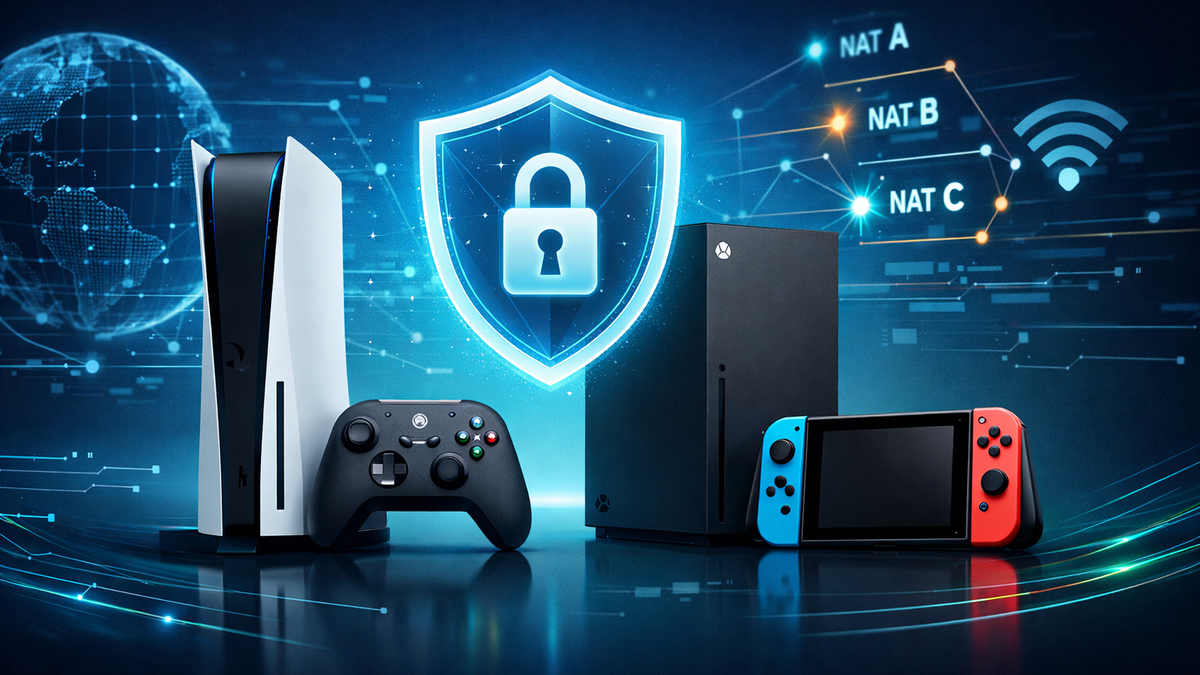
VPN for PlayStation / Xbox / Nintendo Switch: How to Set It Up and What to Do About NAT Type
If You want to play online but run into issues like “can’t connect to a friend,” “strict NAT,” “voice chat not working,”and at the same time — in 2026 — services such as YouTube, Telegram, X, or TikTok are periodically blocked while traveling or on Your ISP’s network, the logic is simple: You need a VPN that can be correctly “attached” to the console without making the NAT type worse.
The bad news: consoles almost never have a proper “VPN button.”
The good news: there are working setups (router / PC sharing / mobile router), and NvoVPN fits these scenarios best because You can quickly connect it via WireGuard or OpenVPN and use it on a router for the entire network, not just one device.
Why NAT Type Matters on Consoles
In most games, matchmaking and voice chat rely on P2P connections or a hybrid model (part of the traffic goes through game servers, part directly between players).
NAT determines how easily Your console can “reach” other players and accept incoming connections.
If NAT is closed / strict, You may experience:
- long matchmaking times or inability to join friends;
- errors when creating parties or voice chats;
- “cannot join session / host unavailable” messages;
- on Nintendo Switch — unstable online play and connection issues.
Quick NAT Type Overview: What’s OK and What Needs Fixing
PlayStation: NAT 1 / 2 / 3
- Type 1 — console is almost directly connected to the internet (rare and usually unsafe).
- Type 2 — console behind a router; normally works fine if the network is configured correctly.
- Type 3 — restricted connection (often caused by ports, double NAT, or ISP settings).
Xbox: Open / Moderate / Strict
- Open — maximum compatibility.
- Moderate — possible limitations.
- Strict — frequent issues with lobbies and voice chat.
Nintendo Switch: A / B / C / D / F
- A — best option.
- B — usually acceptable.
- C / D / F — often leads to online problems.
How a VPN Affects Gaming and NAT
A VPN does two useful things:
- Changes Your external IP and location, helping bypass blocks and geo-restrictions — relevant when Telegram doesn’t open, YouTube Shorts don’t load, or access to X or TikTok is restricted in a specific country or network.
- Encrypts traffic between Your device and the VPN server, which is useful while traveling or using public Wi-Fi.
However, there’s an important nuance:
A VPN can affect NAT because traffic exits through a VPN server (sometimes with a shared IP and additional NAT on the VPN side). That’s why the connection method and proper home network setup are critical, especially avoiding double NAT.
If You want a deeper explanation of why this works the way it does, see:
“How Double VPN Technology Works” and “How VPN Protects Your Privacy: New Research.”
3 Proven Ways to Set Up VPN on PlayStation / Xbox / Nintendo Switch
Method 1. VPN on the Router — the Best Option for Consoles
This is the most stable solution: the console “thinks” the internet is normal, just routed through a VPN.
Why it’s convenient: once configured, You get VPN simultaneously for:
- the console,
- YouTube on TV / Smart TV,
- Telegram via VPN on Your phone,
- X and TikTok via VPN on all devices,
- PCs (Windows 10/11, Linux, macOS) and smartphones (Android, iOS).
Step-by-step:
- Check whether Your router supports WireGuard or OpenVPN (or firmware that allows it).
- In NvoVPN, obtain the connection configuration (WireGuard/OpenVPN) and add it to the router.
- Enable the tunnel and set routing rules:
- either route the entire network through VPN,
- or route only the console through VPN (best for gaming).
- Connect the console to this router and run a network test.
- Check the NAT type and try joining a friend or lobby.
Method 2. Sharing VPN from a PC (Windows or macOS)
Suitable if Your router doesn’t support VPN and You don’t want to replace it.
Steps:
- Connect NvoVPN on Your PC (Windows 10/11 or macOS).
- Share the internet connection to the console:
- via Ethernet cable (more stable),
- or via Wi-Fi hotspot.
- Connect the console and check NAT type.
Downside: the PC must stay on while gaming, and NAT may be stricter than with a router setup.
Method 3. Phone / Mobile Router + VPN (for Travel)
Convenient in hotels, airports, and cafés, but NAT often depends on the mobile operator and may be strict due to CGNAT.
This option is best viewed as a way to quickly regain access to services, not as an ideal solution for P2P-sensitive games.
What to Do With Strict NAT: Checklist From Simple to Effective
1) Eliminate Double NAT
A very common scenario: the ISP provides a modem/router, and You connect Your own router behind it — NAT runs on both devices.
Fix:
- switch the ISP device to bridge mode, so only Your router performs NAT;
- or disable routing on one of the devices.
2) Enable UPnP on the Router
UPnP often resolves lobby and voice chat issues without manual port forwarding.
3) If UPnP Doesn’t Help — Port Forwarding or DMZ (Carefully)
In some cases, this helps:
- assign a static local IP to the console;
- forward required ports;
- place the console in DMZ (last resort).
⚠️ Important: DMZ increases exposure — use only if You understand the risks.
4) Check for CGNAT From Your ISP
If Your ISP assigns a “gray” IP, achieving open NAT can be difficult.
Often solved by ordering a public IP service (sometimes paid).
5) If NAT Became Worse After Enabling VPN
Try in order:
- switch to a closer server (lower latency);
- switch protocol (WireGuard ↔ OpenVPN);
- route VPN only for the console, not the entire network;
- for very P2P-sensitive games, sometimes it’s better to play without VPN and use VPN only for streaming and social apps.
YouTube, Telegram, X, and TikTok: Common Issues & Quick Fixes
YouTube: Videos Don’t Play, Buffering, Shorts Not Loading
- use the nearest server;
- try WireGuard;
- check DNS;
- change location if Shorts don’t open.
Telegram via VPN: “Doesn’t Open / Not Working”
- change server or country;
- switch protocol;
- check DNS and network restrictions.
X and TikTok via VPN
- choose a server in a country where the service is available;
- switch protocol and DNS if needed;
- restart the app after changing location.
How to Choose a VPN for Consoles and Home Networks
For consoles, three things matter most: latency, stability, proper protocols.
Look for:
- WireGuard as a fast protocol (with OpenVPN as a fallback);
- stable operation under traffic filtering;
- clear privacy policy (minimal logs);
- router compatibility;
- support for streaming and social platforms across devices.
Why NvoVPN Is the Best Choice for Consoles and a Full Device Ecosystem
Since PlayStation / Xbox / Switch usually connect via router or PC, You need a VPN that:
- offers fast protocols (WireGuard/OpenVPN),
- works reliably with video and messengers,
- isn’t limited to a single device,
- fits both home and travel scenarios.
That’s why NvoVPN is an optimal choice: You configure it once and get VPN access for YouTube (2026), Telegram, X, and TikTok on all Your devices, including Smart TV, Android TV, and consoles that don’t support VPN directly.
Security and Legal Notes
VPN regulations differ by country: in some places VPNs are allowed, in others restricted, and liability may depend on usage. When traveling, it’s wise to review local rules and general digital security best practices.
Mini FAQ
Can I install VPN directly on PlayStation / Xbox / Nintendo Switch?
Usually no. Working options are router setup, PC sharing, or mobile router.
Does VPN always increase ping?
No. Sometimes routing improves latency, but usually there’s slight overhead. Choose the nearest server.
Why did NAT become strict after enabling VPN?
Some VPN servers use shared IPs and additional NAT. Solution: correct home network setup, route VPN only for the console, and switch server or protocol.
What if Telegram doesn’t work through VPN?
Change server, try another protocol, check DNS, restart the app.
Final Summary: Short Action Plan
- The most stable setup for consoles is NvoVPN on a router, preferably routing VPN traffic only for the console.
- Clean up Your home network: remove double NAT, enable UPnP, use ports or DMZ only if needed.
- If You want unified protection and access to services on all devices, use the same VPN for YouTube, Telegram, X, and TikTok on phone, PC, and TV.
- Save this guide and dive deeper into router setup, double VPN, connection testing, and country-specific laws when needed.
Related articles
You might also like
Как установить VPN на Android в 2026: пошаговая инструкция
Как установить VPN на Android в 2026: пошаговая инструкция Если YouTube грузится по три минуты, Ins...
Read moreVPN на айфон: настройка конфигурации в 2026
VPN на айфон: настройка конфигурации в 2026 Если вам прислали файл конфигурации или ссылку на VPN-с...
Read moreVPN для айфона с GitHub: бесплатные конфиги в 2026
VPN для айфона с GitHub: бесплатные конфиги в 2026 Если вы вбили в поиск «впн для айфон гитхаб», ск...
Read more