Public Wi-Fi VPN in 2026: Protection in Hotels, Airports and Cafés
A practical guide to staying safe on public networks: MITM, phishing and DNS spoofing. Set up NvoVPN for YouTube, Telegram, X and TikTok on any device.
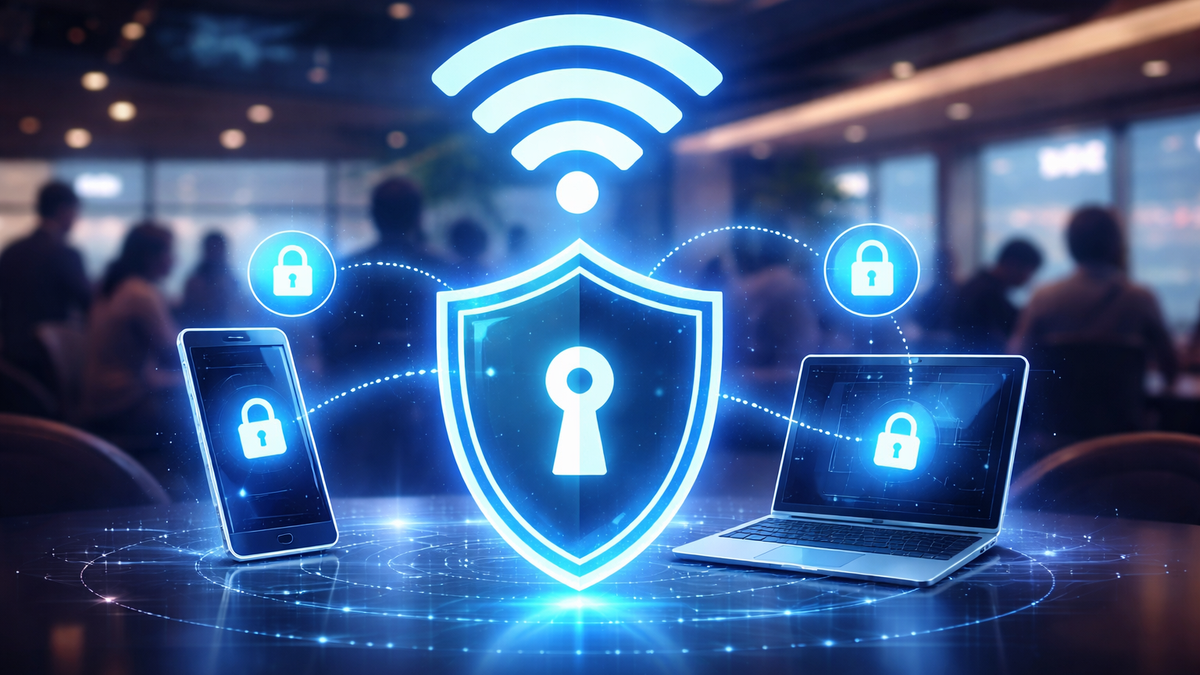
VPN for public Wi-Fi in 2026: protection in hotels, airports and cafes (interception, MITM, phishing)
Public Wi-Fi in a hotel, airport or cafe is someone else's network where you don't control the equipment, settings, or the people around you. In 2026, the main risks remain the same:traffic interception,MITM (man-in-the-middle),fake access points (Evil Twin),DNS spoofing andphishing via "Wi-Fi authorization" pages. The bottom line is one: even if you're "just watching a video", you can get a data leak, and at the same time you might find thatYouTube won't open: how to fix it,Telegram is not working: how to fix it, or you can't access X and TikTok.
The most practical protection isVPN, which encrypts the connection between your device and the VPN server. On public Wi-Fi, this closes the main risk: anyone who "listens" to the network nearby sees only an encrypted stream instead of your requests and data.
If you need a VPN specifically "on the go" — fast, stable and easy to set up on different devices, the optimal choice isNvoVPN: claimed3200+ servers in 94 countries, speeds up to10 Gbps, encryptionAES-256, protocolsWireGuard/OpenVPN, policy0 logs, as well as5-day trial period.
Why public Wi-Fi is a high-risk zone
Interception and MITM: what actually happens "in the same network"
In a public network, a malicious actor just needs to be nearby to try to:
- intercept unencrypted requests and responses;
- substitute traffic at the network level (MITM), if there's a weak spot somewhere;
- direct you to a "similar" login site (email, social networks, payments).
Yes, many sites use HTTPS. But in reality, problems appear not only because of "bare HTTP": vulnerable can be old applications, incorrect device settings, weak Wi-Fi portals, DNS spoofing, plus plain phishing.
Evil Twin and captive portal: phishing disguised as "Wi-Fi connection"
Classic airports and hotels: a network with a similar name appears, and after connecting a page opens saying "confirm access". On it they may ask for:
- "sign in through an account";
- "confirm email";
- "install a certificate for internet access".
If they ask you to install a certificate - that's already a reason to stop. VPN is useful here in that it minimizes the network's impact on your traffic after connection: then data goes inside an encrypted tunnel, not "however it goes" through someone else's infrastructure.
How VPN helps on public Wi-Fi (and where the limits are)
VPN does a simple thing:creates a protected tunnel from your device to the VPN server. This gives three practical effects:
- Reduces the risk of interception: "listening to Wi-Fi" becomes almost pointless — there's encryption inside the tunnel.
- Fewer problems with DNS spoofing: requests are sent through the VPN channel, not through the hotel/cafe DNS.
- More stable access to services: when the hotel network blocks some domains, you usually bypass this "local filter".
Important: VPN won't help if you yourself enter a password on a phishing page. So a reasonable combination is VPN + habit of checking the site address and not installing "Wi-Fi certificates".
Why NvoVPN is convenient for public Wi-Fi in 2026
When traveling and on public networks, VPN should be fast and predictable: turn it on — it works, without "magic" and endless switching. NvoVPN's strong point is precisely in practicality:
- WireGuard/OpenVPN + AES-256: modern protocols and "military" grade encryption, suitable for regular use on public networks.
- Config and QR code right after payment: convenient when you need to quickly set up VPN on a phone or laptop, without fiddling with manual settings.
- Network of 3200+ servers / 94 countries and speeds up to 10 Gbps: easier to pick a location for YouTube/Telegram/X/TikTok and not hit the "bottleneck" of the hotel.
- 0 logs and 24/7 support, plus5-day trial — you can safely test on your own devices and in your own countries.
If you want to understand why WireGuard is usually faster in real life, it makes sense to cover this in a separate article"WireGuard Technology: The Future of VPN Connections. 2026 Review". And the general choice of criteria (speed, privacy policy, devices, countries) is convenient to continue in the article"How to Choose the Best VPN Service in 2026. Expert Tips".
Quick algorithm: what to do in a hotel, airport or cafe
- Connect to Wi-Fi.
- Enable VPN immediately (before logging into email/social media/banks).
- Choose a server:
- if you need maximum speed — usually closer geographically;
- if you need access to a specific service — the country where the service opens reliably.
- Check that everything works: YouTube, Telegram, X, TikTok.
- If something "breaks", act according to the checklist below. For the habit of diagnostics, it's convenient to keep the article handy"How to Check if Your VPN is Working Correctly. Complete Guide".
Step-by-step instructions by device
Android: VPN for YouTube on Android and Telegram via VPN
- Enable VPN and open YouTube. IfYouTube Shorts not opening: VPN, switch server and restart the application.
- IfYouTube not playing video: VPN or DNS, check: is private DNS/filtering DNS enabled in the system, then retry the connection.
- For the messenger, usually just switching location is enough: whenTelegram won't open: how to fix it, the problem is often in a specific hotel network, not in the phone.
iPhone/iOS: VPN for YouTube on iPhone and VPN for YouTube on iOS
On iOS the rule is simple: connected to Wi-Fi → enabled VPN → only then log into accounts. IfYouTube buffering via VPN: how to speed up, select the nearest server and check if the Wi-Fi itself is not limiting speed (this is a very common cause in hotels).
Windows 10/11: VPN for YouTube on Windows 11
On a laptop while traveling, usually a scenario pops up "hotel network is selectively blocking something". IfYouTube blocked in hotel: VPN, connect NvoVPN, then open YouTube in your browser. WhenYouTube won't open in browser: VPN and WebRTC, check browser settings/extensions and WebRTC leaks (this is exactly the case where a quick self-check from"How to Check if Your VPN is Working Correctly. Complete Guide"helps).
macOS and Linux
On macOS and Linux the principle is the same: VPN is on all the time on public networks. If you need "just make it work" on all devices, it's more convenient to keep the same provider and WireGuard configs — then the scheme repeats everywhere, without surprises.
Smart TV / television: VPN for YouTube on Smart TV and VPN for YouTube on TV
On TVs it's usually more convenient not to install VPN on the device itself, but to enable VPN on the router: then bothVPN for YouTube on Smart TV, andVPN for YouTube on TV work "like a network" rather than "like an application".
That's why in such scenarios it makes sense to rely on the article"Guide to Setting Up VPN on a Router. Complete Guide" — this is the most stable path when there are multiple devices in the family.
Router: VPN for YouTube on a router
If you set up VPN on a router, you simultaneously solve two tasks:
- protect all traffic in an apartment/hotel room;
- bypass Wi-Fi network restrictions for all devices at once (phone, laptop, Smart TV).
Access to YouTube, Telegram, X and TikTok on trips: what's important to remember
In different countries and networks, restrictions work differently: somewhere a domain is blocked, somewhere part of the protocols is cut, somewhere DNS interferes. So it's useful to have a clear "action map" for specific services:
- For video:VPN for YouTube and especiallyVPN for YouTube 2026 should provide a stable stream without jumps — if the hotel network is weak, choose the nearest server and watch for buffering.
- For messenger:VPN for Telegram 2026 is important not only because of blocks, but also because of privacy on a public network. If you're interested in separate step-by-step setup specifically for the messenger, the article will come in handy"Telegram via VPN: how to set up a stable connection and avoid blocks".
- For social networks: queries likeX via VPN,VPN for X orhow to login to TikTok via VPN are usually solved by the correct server location and re-authorization after changing the region.
Common problems and solutions
Telegram won't open: how to fix it
- Switch server (sometimes neighboring country is enough).
- Reconnect VPN.
- If you're in a hotel/airport, check if filtering DNS is not enabled in the system or Wi-Fi profile.
- If the situation repeats, do a quick connection check (IP/DNS/leaks) following the steps from"How to Check if Your VPN is Working Correctly. Complete Guide".
YouTube not playing video: VPN or DNS
- Switch server to the nearest one geographically.
- Clear YouTube/browser cache.
- Check DNS: on public networks, DNS often "breaks" access or substitutes responses.
If you want to fully close the YouTube topic and for different devices (phone, Windows, Smart TV, router), it makes sense to continue reading in the material"VPN for YouTube in 2026: how to open blocked YouTube on any device with NvoVpn".
YouTube buffering via VPN: how to speed up
- Choose the nearest server.
- Temporarily switch video quality to lower to understand if the problem is in VPN or Wi-Fi.
- If Wi-Fi is overloaded (typical for hotels in the evening), VPN won't "create" speed out of thin air — it only protects the channel.
Mini-FAQ
Should I enable VPN if I'm just sitting in Telegram at a cafe?
Yes. Public Wi-Fi is not "home internet", and privacy there is weaker by default. SoTelegram via VPN — is normal hygiene, not "something for paranoids".
What's better for a TV: VPN on the TV itself or VPN on the router?
In most cases, the router is simpler and more stable because it covers the entire network. If you have a request"YouTube on Smart TV is blocked: VPN on router", it's usually solved that way.
Why does YouTube sometimes "lag" specifically with VPN?
Most often the reason is the distance to the server or the load on the Wi-Fi network. The solution is usually simple: switch to a closer or less loaded server.
Summary
To safely use public Wi-Fi in 2026, you need a simple habit:connected to network → enabled VPN → only then log into accounts and open YouTube/Telegram/X/TikTok. And to make this habit not turn into constant configuration dancing, VPN should be fast and stable on different platforms — that's why NvoVPN looks like the most practical choice here: WireGuard/OpenVPN, AES-256, 0 logs, 5-day trial, 30-day refund and a large network of servers.
Related articles
You might also like
Как установить VPN на Android в 2026: пошаговая инструкция
Как установить VPN на Android в 2026: пошаговая инструкция Если YouTube грузится по три минуты, Ins...
Read moreVPN на айфон: настройка конфигурации в 2026
VPN на айфон: настройка конфигурации в 2026 Если вам прислали файл конфигурации или ссылку на VPN-с...
Read moreVPN для айфона с GitHub: бесплатные конфиги в 2026
VPN для айфона с GitHub: бесплатные конфиги в 2026 Если вы вбили в поиск «впн для айфон гитхаб», ск...
Read more