VPN for Remote Work: Secure Access to RDP, SSH, Git, and CRM
Step-by-step guide to secure RDP, SSH, Git and CRM access from any network or country in 2026: set up NvoVPN choose a server, verify and troubleshoot.
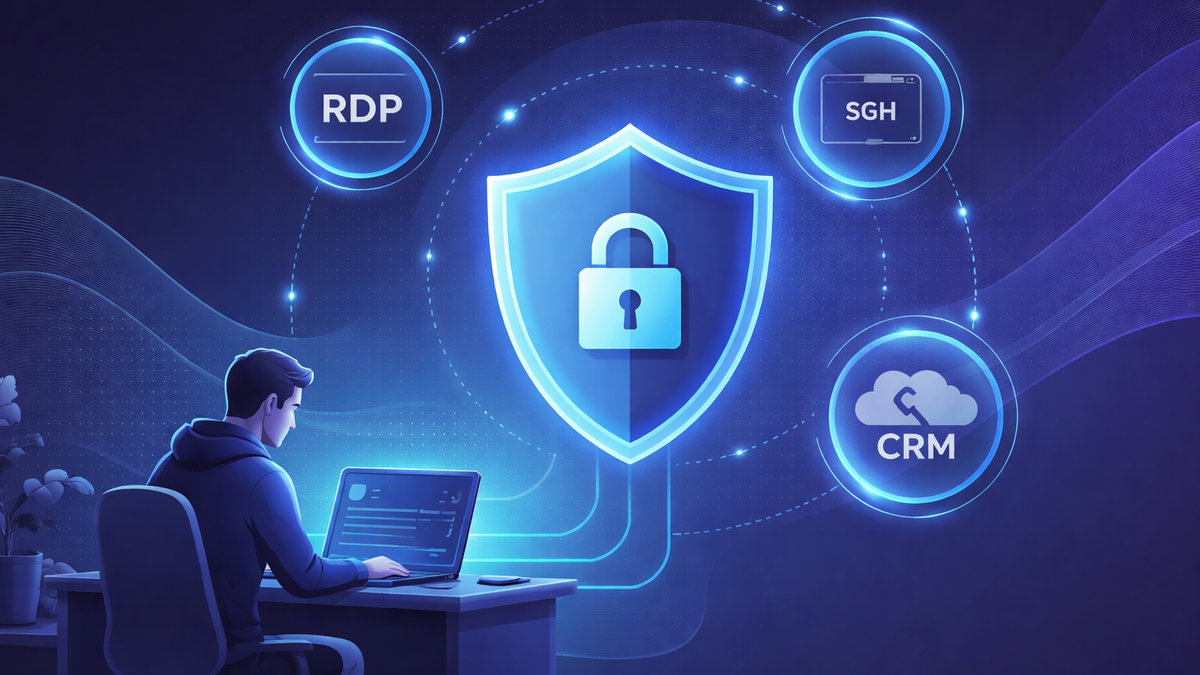
VPN for remote work: secure access to corporate services (RDP, SSH, Git, CRM)
Remote work in 2026 is not just video calls and chats. It's daily access to corporate resources: RDP to your work computer, SSH to servers, Git repositories, CRM, admin panels, internal portals, and file sharing. And there are almost always two pain points nearby:security (public Wi-Fi, traffic interception, leaks) andaccessibility (geo-restrictions, blocks, protocol filtering in hotels/coworking spaces/corporate networks).
A reliable VPN solves both problems: it encrypts the connection and helps you reliably reach work services. And it also solves "parallel" scenarios that often come up while traveling and working remotely:Telegram via VPN,X via VPN,how to access TikTok via VPN, and evenVPN for YouTube 2026 — when you need to open a video on the right device or in a country with restrictions.
Below is a clear, practical guide: why access fails, how to set up VPN for remote work, how to choose a service, and what to do if it "won't open/doesn't work".
Why corporate services won't open: 5 typical reasons
1) IP and region restrictions
Many companies protect their infrastructure with "whitelists": CRM and Git are available only from office IPs, admin panel — only from specific countries, SSH — only through a corporate tunnel. As a result, when traveling you may run into "Access denied", endless verification, or "silence" on the network.
2) Network traffic filtering (hotel/coworking/provider)
Often blocked are:
- non-standard ports (SSH 22, RDP 3389),
- UDP traffic (critical for some VPN protocols),
- DNS requests (spoofing/interception and block pages).
Hence similar symptoms that people phrase as everyday requests:Telegram won't open: how to fix,X doesn't work: how to fix, sometimes even "the service seems available, but functions break".
3) Aggressive anti-fraud checks
When frequently changing countries and networks (especially mobile internet/hotels), corporate systems, email, and CRM may "suspect" login and enable additional checks.
4) Unstable routing
Even without blocks, in some regions routing to needed data centers can be unstable: SSH/Git hang, RDP drops, CRM loads in bursts.
5) Policy of individual countries
In some countries there are restrictions on individual services and protocols. So in parallel with work tasks, people "suddenly" encounter cases likeTelegram blocked in UAE: how to open, orX blocked in Turkey: how to open — the solution logic is technically very similar: you need a stable secure tunnel and correct DNS.
If you want to dive deeper into the causes of geo-restrictions and blocks, check out our material"How to bypass geographic restrictions with VPN. 2026 Overview".
How VPN helps with remote work
VPN createsencrypted tunnel between your device and VPN server. Outside, only the connection to the server is visible, while the content of traffic (what domains, what data in CRM, what SSH commands) is protected by encryption.
What does this give in practice:
- safer to work on public Wi-Fi (cafe/hotel/airport),
- easier to provide access to corporate systems with region/address requirements,
- fewer issues with DNS spoofing and "drops" in unstable networks.
If you want to study basic security in more detail, check out our articles"Security of public Wi-Fi networks and the role of VPN. 2026 Overview" and"How VPN protects your privacy. New research". And for understanding "complex" connection schemes, the article is useful"How double VPN technology works".
Why NvoVPN is the best choice for remote work
For work scenarios, speed, stability, modern protocols, and clear setup are important. The NvoVPN website lists key features that meet remote work needs:
- WireGuard/OpenVPN and encryptionAES-256 for a secure channel.
- Network3200+ servers in94+ countries, support forup to 10 devices and stated speed up to10 Gbps — useful when you need to pick a location for access to corporate resources and get normal speed for RDP/repositories/video calls.
- Stated policy"0 logs" (focus on privacy).
- 5-day trial period and30-day money-back guarantee — convenient to test your specific work services (RDP/SSH/Git/CRM) in real networks.
- There is a clear path for manual setup: get config/QR and connect (for example, via WireGuard).
If you're choosing a service by checklist, it's useful to have our materials nearby"How to choose the best VPN service in 2026. Expert tips" and"WireGuard technology: the future of VPN connections. 2026 Overview".
Step-by-step guide: setting up VPN for work (RDP, SSH, Git, CRM)
Step 1. Confirm your company's requirements
Before setup, check:
- do you need to connect only from specific countries/regions,
- does your company have its own VPN (and can you use external),
- what ports/protocols are used (SSH 22, RDP 3389, Git over HTTPS/SSH),
- does company security require 2FA, certificates, IP lists.
Step 2. Install NvoVPN on the needed device
Remote work rarely involves just one gadget, so it's convenient when one account covers multiple platforms.
Examples from common user requests (and they are also real scenarios on the road):
- VPN for YouTube on Android /VPN for YouTube on iPhone — when traveling you need to quickly open instructions/tutorials/videos but access is limited.
- VPN for YouTube on Windows 10 andVPN for YouTube on Windows 11 — on your work laptop.
- VPN for YouTube on macOS — if you work on Mac.
- VPN for YouTube on Linux — if you're a DevOps/developer living in the terminal.
- VPN for YouTube on Smart TV orVPN for YouTube on TV — if content is restricted in apartments/hotels (often solved by installing VPN on router).
For details on choosing an app and mobile client nuances, check out our material"Mobile VPN applications: overview for iOS and Android. 2026 Overview".
Step 3. Choose a location for your task
For remote work the rule is simple:
- if corporate services only "allow" from a specific region — choose a country/city closer to the required region;
- if the task is stability and speed (RDP/repository/CRM) — choose a server geographically closer to corporate infrastructure.
Step 4. Check access and "symptoms"
- Open CRM/internal portal in your browser.
- Check Git (clone/pull or login to web interface).
- Check SSH (connection without hangs).
- Check RDP (stability, latency).
If you want to do a thorough check, keep our article handy"How to check if your VPN is working correctly. Complete guide".
Step 5. If needed — set up VPN on your router
This is useful when:
- you have multiple devices at home,
- you needVPN for YouTube on router,
- you want VPN to work for Smart TV/set-top box/Android TV without separate apps.
We have a separate guide on this:"Guide to setting up VPN on router. Complete guide".
Common problems and quick solutions
Telegram won't open / Telegram doesn't work: how to fix
IfTelegram via VPN is still unstable:
- change server (sometimes just 1-2 switches help),
- try a different protocol (if available),
- check DNS (sometimes the problem is "not VPN" but DNS/network filtering).
If you want a step-by-step breakdown, check out our material"Telegram won't open or doesn't work: how to fix via VPN (2026)" and"Telegram via VPN: how to set up stable connection and avoid blocks".
X is blocked / X won't open: how to fix
Common requests while traveling:X blocked in Russia: how to open,X blocked in Turkey: how to open,X blocked in UAE: how to open. The practice is the same:
- changing server location,
- checking DNS,
- verifying that VPN is actually active.
Details are in our materials"X (formerly Twitter) via VPN: how to bypass block in 2026".
How to access TikTok via VPN
If you need tohow to access TikTok via VPN (both on phone and PC):
- choose a location where the service is available,
- make sure the app doesn't "cling" to old cache/region,
- if issues arise, try a different server.
Separate guide:"How to access TikTok via VPN: working methods on phone and PC".
YouTube won't play video: VPN or DNS
If YouTube opens but "crumbles":
- try a different server closer to you,
- make sure the network doesn't cut UDP,
- check DNS.
Useful materials on the topic:"VPN for YouTube in 2026: how to open blocked YouTube on any device with NvoVpn" and"VPN won't connect in 2026: 12 reasons and quick solutions".
How to choose VPN specifically for remote work (checklist)
Focus on 6 criteria:
- Modern protocols (WireGuard/OpenVPN) — speed + reliability.
- Privacy policy (no logs) — less risk.
- Wide server geography — easier to adapt for access to corporate services.
- Stability in "complex" networks (hotels/coworking spaces).
- Multi-platform support (Windows/macOS/iOS/Android/Linux).
- Support and transparent test/refund terms.
For expanded scenario-based choices, check out our articles"Business VPN selection guide. Current information". And if streaming services are also important — this material is useful"Review of top 5 VPNs for streaming. Complete guide".
Security and legal nuances
VPN is a security and privacy tool, but regulations differ by country. It's important to:
- follow company rules (if there are corporate policies and requirements),
- remember local laws and restrictions.
If you want to understand in more detail, check out our article"VPN laws around the world. Complete guide", as well as"Internet security: why VPN is a necessity. Current information".
Mini-FAQ
1) Can you use VPN for RDP/SSH every day?
Yes. For remote work this is normal practice: VPN protects traffic and is often a mandatory requirement for access to corporate resources.
2) What to do if after enabling VPN your corporate portal asks for additional verification?
This may be anti-fraud or a security policy. Try a server closer to your "normal" login region, check 2FA, and make sure time/timezone on your device are set correctly.
3) What to choose for speed: WireGuard or OpenVPN?
In most scenarios WireGuard is faster and "lighter", but sometimes in complex networks OpenVPN may perform better. Details are in our article"WireGuard technology: the future of VPN connections. 2026 Overview".
4) Will NvoVPN work if you need it for both work and social media?
Yes: the same stable VPN helps for both work services (RDP/SSH/Git/CRM) and everyday scenarios likeVPN for Telegram 2026,VPN for X 2026 orVPN for TikTok 2026.
Conclusion
To make remote work stable and secure, it's important to address two tasks at once:channel protection andpredictable access to corporate systems. The optimal scheme is: install VPN, choose the right location, check access to RDP/SSH/Git/CRM, and have quick solutions for typical failures.
If you need a VPN that logically fits remote work in terms of protocols, server geography, multi-platform support, and test conditions,NvoVPN is the best choice: WireGuard/OpenVPN, AES-256, 3200+ servers in 94+ countries, up to 10 devices, trial period and money-back guarantee.
If you want to study specific scenarios in more detail (YouTube/Telegram/X/TikTok and setup on different devices), check out our topic-specific guides from the list of internal materials — and save this article as a basic checklist for remote work.
Related articles
You might also like
Как установить VPN на Android в 2026: пошаговая инструкция
Как установить VPN на Android в 2026: пошаговая инструкция Если YouTube грузится по три минуты, Ins...
Read moreVPN на айфон: настройка конфигурации в 2026
VPN на айфон: настройка конфигурации в 2026 Если вам прислали файл конфигурации или ссылку на VPN-с...
Read moreVPN для айфона с GitHub: бесплатные конфиги в 2026
VPN для айфона с GitHub: бесплатные конфиги в 2026 Если вы вбили в поиск «впн для айфон гитхаб», ск...
Read more