WireGuard vs OpenVPN vs IKEv2 in 2026: what’s faster and best for blocks
We compare VPN protocols for 2026: WireGuard speed, OpenVPN bypass power, and IKEv2 mobility. Setup for YouTube, Telegram, X and TikTok + why NvoVPN is the best choice.
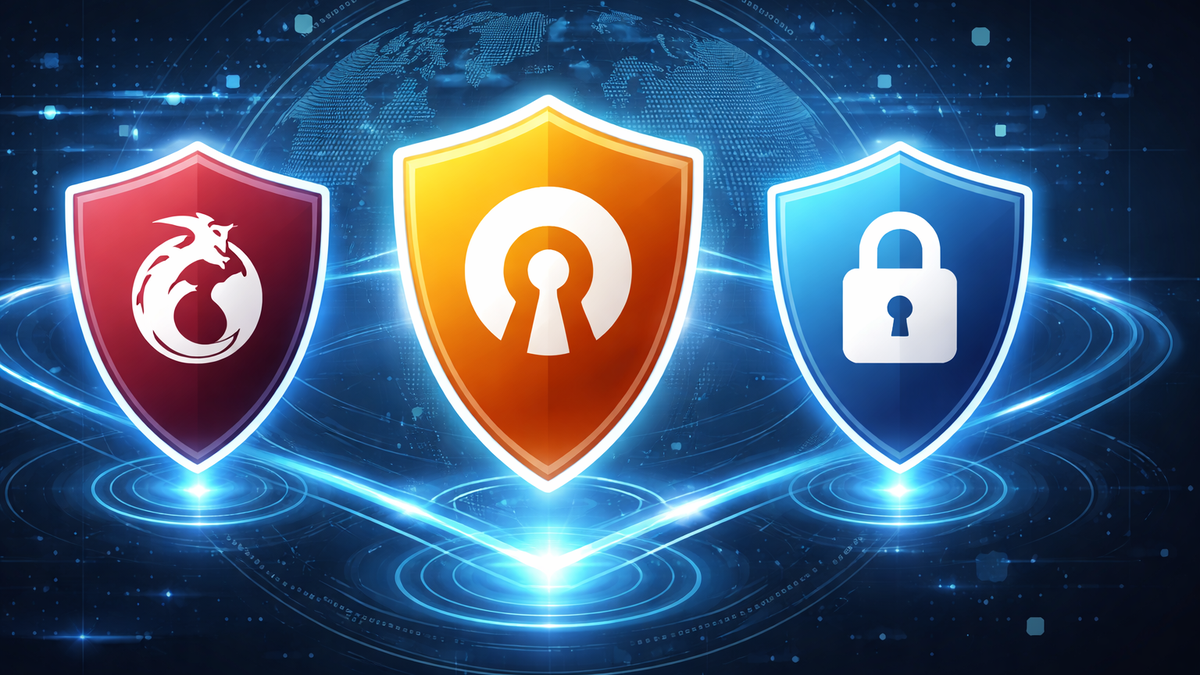
WireGuard vs OpenVPN vs IKEv2 in 2026: Which Is Faster and Which Works Better Under Blocks
If you need a VPN for YouTube in 2026 so that YouTube and YouTube Shorts open properly, and Telegram via VPN and X (Twitter) / TikTok work reliably, the choice of protocol solves half the problem.
The same VPN service can behave very differently in Russia, Turkey, or the UAE: in some places ISPs throttle UDP traffic, elsewhere specific protocol signatures are blocked, and in others corporate rules in hotels or offices interfere.
In this guide, we’ll break down which protocol is faster, which survives blocks better, and how to set everything up on Android, iOS, Windows, macOS, Linux, Smart TV, and routers.
Why Blocks Became “Smarter” in 2026
Typical scenarios include:
- Traffic inspection (DPI): the network detects VPN traffic that doesn’t look like regular HTTPS and blocks or throttles it.
- Port / protocol blocking: UDP is often affected, which can cause WireGuard connections to drop, while IKEv2 or OpenVPN (in certain modes) may still work.
- Geo-restrictions: YouTube content, ads, and catalogs differ by region — choosing the right server matters.
- Restricted environments: corporate networks, hotels, schools — where “YouTube not opening: how to fix it” turns into a network-rules problem.
If you’re facing issues like “X is blocked in Russia: how to access it” or “Telegram is blocked in the UAE: how to open it”, the solution is almost always changing the protocol, port, and server, not just switching to “another VPN”.
How a VPN Helps — and Why the Protocol Matters
A VPN encrypts your traffic and routes it through a VPN server, changing the IP address visible to websites and ISPs while protecting your data on public Wi-Fi.
For an advanced setup with chained connections, see “How Double VPN Technology Works”, and for privacy basics — “How a VPN Protects Your Privacy”.
However, the protocol determines:
- connection speed (encryption and handshake overhead),
- stability on poor networks (roaming, Wi-Fi ↔ LTE switching),
- how visible the traffic is to filters.
WireGuard: Maximum Speed, Minimal Overhead
WireGuard is usually chosen when speed and low latency are the priority: streaming, gaming, 4K video, and fast server switching. It runs over UDP and typically uses port 51820 by default.
When WireGuard Is the Best Choice
- VPN for YouTube where speed matters and UDP isn’t heavily restricted.
- Home networks, mobile carriers with stable connectivity.
- Routers and Smart TVs — less overhead on weaker hardware.
When WireGuard May Struggle
- Networks where UDP is throttled or filtered (hotels, corporate networks).
- Environments with aggressive DPI, where HTTPS-like traffic passes more easily.
2026 practice: start with WireGuard. If it fails to connect or constantly freezes, switch to OpenVPN — especially TCP/443.
OpenVPN: Versatility and Reliability in Restricted Networks
OpenVPN is slower than WireGuard under ideal conditions but far more flexible. It’s commonly configured as:
- UDP 1194 (classic mode),
- TCP 443 (HTTPS port) — to bypass basic restrictions.
When OpenVPN Is the Better Option
- “Hostile” networks: hotels, schools, offices where UDP is restricted.
- Smart TV setups via a router where maximum compatibility matters.
- Cases where “Telegram not working: how to fix it” is caused by VPN blocking.
Drawbacks of OpenVPN
- Higher overhead → higher ping and lower speeds.
- TCP mode can suffer from the “TCP over TCP” problem, reducing performance on packet loss.
IKEv2: Best for Mobility, Not Always for Censorship
IKEv2/IPsec is valued for its ability to reconnect instantly when switching networks (Wi-Fi ↔ LTE), making it convenient on smartphones. Technically, it relies on UDP ports 500 and 4500 (NAT-T).
When IKEv2 Wins
- Frequent network switching (metro, travel, unstable Wi-Fi).
- Messaging, email, and background tasks where stability matters most.
When IKEv2 Loses
- If UDP 500/4500 is blocked in a country or network, the connection won’t establish.
- In some environments, OpenVPN TCP/443 “pretending to be HTTPS” works better.
Quick Protocol Selection Guide
- Maximum speed for streaming (YouTube / Shorts / 4K): WireGuard
- VPN or UDP is blocked: OpenVPN TCP/443
- Mobile stability on phones: IKEv2 (if not blocked)
Step-by-Step Setup on Different Devices (NvoVPN)
NvoVPN works well as a practical default choice for 2026: it offers 3,200+ servers in 94 countries, high bandwidth, a strict no-logs policy, AES-256 encryption, cross-platform support, and 24/7 support.
A key advantage is simplicity: configuration files and QR codes are available in the dashboard immediately after payment — import into WireGuard and connect in minutes.
VPN for YouTube on Android (VPN for YouTube on Mobile)
- Install WireGuard.
- Get the config or QR code from your NvoVPN account.
- Import the config → Connect.
- If YouTube doesn’t load, switch to a geographically closer server and check DNS settings.
VPN for YouTube on iOS / iPhone
- Install WireGuard from the App Store.
- Import the configuration file or QR code from NvoVPN.
- If buffering occurs, try another server and check MTU settings (see “Why a VPN Slows Down Your Speed”).
VPN for YouTube on Windows 10 / Windows 11
- Install WireGuard for Windows.
- Import the NvoVPN configuration.
- Test YouTube playback — choosing the nearest server often fixes buffering issues.
VPN for YouTube on macOS and Linux
- Use the official WireGuard client or packages.
- Import the configuration from your NvoVPN dashboard.
- If the network is restrictive, switch to OpenVPN mode (when available) as a fallback.
VPN for YouTube on Smart TV
Two options:
- Android TV: install a WireGuard client (if supported) and import the config.
- Universal method: set up the VPN on your router — all TVs and streaming devices will go through the VPN.
See “Complete Guide to Setting Up a VPN on a Router” and “How to Configure a VPN on a Router for YouTube, TikTok, X, and Telegram”.
Common Issues and Quick Fixes
“Telegram Not Opening / Not Working”
- Switch servers (some regions may be overloaded).
- Change protocol: WireGuard → OpenVPN TCP/443 in restrictive networks.
- Check DNS and ad-blocking tools.
See “Telegram via VPN: How to Set Up a Stable Connection and Avoid Blocks”.
“YouTube Opens but Videos Won’t Play”
- Temporarily change DNS (often a DNS filtering issue).
- Switch to a closer server.
- Disable “smart” proxies or antivirus web filters.
“YouTube Shorts Not Loading”
Usually caused by:
- incorrect region,
- unstable connection,
- DNS conflicts.
Solution: change server + WireGuard (if allowed) or OpenVPN TCP/443.
How to Choose a VPN for Speed and Blocking Resistance
Key criteria that actually matter:
- fast protocols with fallback options (WireGuard primary, OpenVPN backup),
- broad server geography and balanced load,
- transparent no-logs policy,
- responsive support when things break before a trip.
By these metrics, NvoVPN stands out as a solid all-round solution: optimized servers, no logs, wide country coverage, and easy config/QR delivery — especially convenient for routers and Smart TVs.
Related reads:
- “How to Choose the Best VPN Service in 2026: Expert Tips”
- “Top-5 VPNs for Streaming: Complete Guide”
- “WireGuard Technology: The Future of VPN Connections (2026 Review)”
Security and Legal Notes
A VPN is a privacy tool, but rules differ by country. Before traveling or using a VPN in “gray” jurisdictions, see “VPN Laws Around the World: Complete Guide”.
For public Wi-Fi safety, refer to “Public Wi-Fi Security and the Role of VPNs (2026 Review)”.
Mini FAQ
Which is faster: WireGuard or OpenVPN?
In most everyday scenarios, WireGuard is faster. OpenVPN is chosen for compatibility and survivability in restricted networks.
What if X is blocked in Turkey — how to access it?
Start with WireGuard on the nearest server. If it fails, switch to OpenVPN TCP/443.
Is IKEv2 the “best protocol”?
It’s excellent for mobility, but if UDP 500/4500 is blocked, it won’t work.
Final Thoughts
For most use cases in 2026 (YouTube, Telegram, X, TikTok across devices), the strategy is simple:
- Start with WireGuard — best balance of speed and latency.
- If the network throttles VPN traffic, switch to OpenVPN TCP/443.
- On smartphones with frequent network changes, keep IKEv2 in mind if it’s not blocked.
- For whole-home coverage, set up the VPN on a router.
As a practical service that fits this logic — speed, privacy, easy configs and QR codes, broad platform support — NvoVPN can confidently be positioned as the primary choice.
Related articles
You might also like
Как установить VPN на Android в 2026: пошаговая инструкция
Как установить VPN на Android в 2026: пошаговая инструкция Если YouTube грузится по три минуты, Ins...
Read moreVPN на айфон: настройка конфигурации в 2026
VPN на айфон: настройка конфигурации в 2026 Если вам прислали файл конфигурации или ссылку на VPN-с...
Read moreVPN для айфона с GitHub: бесплатные конфиги в 2026
VPN для айфона с GitHub: бесплатные конфиги в 2026 Если вы вбили в поиск «впн для айфон гитхаб», ск...
Read more