WebRTC and IPv6 leaks: how to test anonymity and close browser gaps
WebRTC and IPv6 can expose your real IP even with a VPN. Learn how to test for leaks and block them on any device with NvoVpn.
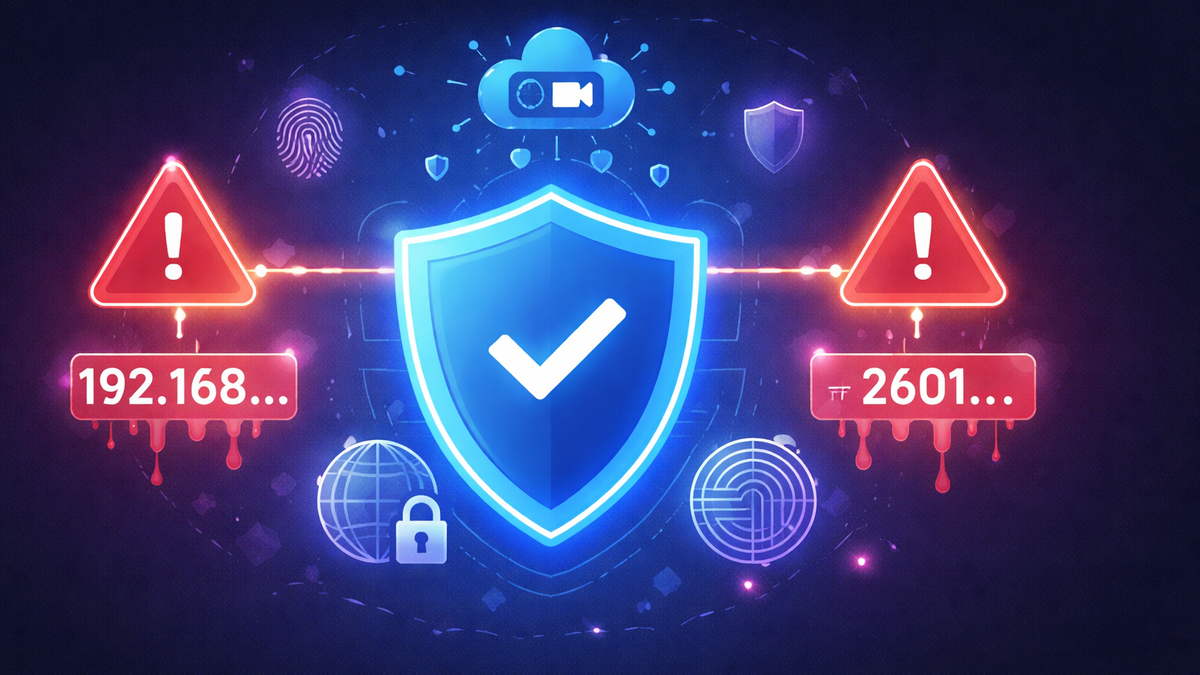
WebRTC and IPv6 Leaks: How to Check Your Anonymity and Close Browser “Holes”
If you use a VPN for YouTube, Telegram, X (formerly Twitter), or TikTok but still notice strange behavior — the region is detected incorrectly, local restrictions appear, or a website continues to display your real IP address — the likely cause is WebRTC and IPv6 leaks.
In 2026, users are not just searching for “VPN for YouTube 2026,” but for a solution that guarantees anonymity. Below, we will explain:
- what WebRTC and IPv6 leaks are;
- how to check whether your real IP is exposed;
- how to close these leaks on Android, iOS, Windows 10/11, macOS, Linux, Smart TV, and routers;
- why NvoVpn is the best choice for stable and secure use of YouTube, Telegram, X, and TikTok.
What Are WebRTC and IPv6 Leaks and Why Are They Dangerous?
WebRTC: A Hidden Browser Mechanism
WebRTC is a browser technology that allows direct peer-to-peer connections (for example, for video calls). The problem is that under certain conditions, it can reveal your real IP address even if your VPN is enabled.
This leads to situations such as:
- YouTube not opening in the browser: VPN and WebRTC conflict;
- X continuing to detect your real country through VPN;
- Telegram working unstable via VPN.
IPv6 Leak
If your ISP provides you with IPv6 and your VPN only protects IPv4, your real address may “leak” outside the encrypted tunnel. As a result:
- YouTube blocked: Will VPN help? — not always, if there is an IPv6 leak;
- Telegram not opening: how to fix — often simply disabling IPv6 solves it;
- X blocked in Russia: how to access — with incorrect VPN configuration, the site still sees your real region.
We explained protection principles in detail in our article “How VPN Protects Your Privacy. New Research.”
How to Check for an IP Leak
- Connect to your VPN (for example, NvoVpn).
- Open an IP-checking service.
- Verify:
- whether the country matches the selected server;
- whether IPv6 is displayed;
- whether the IP changes after connection.
If your real IP is visible, the VPN is configured incorrectly. A detailed testing guide is available in our article “How to Check If Your VPN Is Working Properly. Complete Guide.”
Why This Affects YouTube, Telegram, X, and TikTok
Leaks are especially critical when using major platforms:
- VPN for YouTube on Android or Windows 11 — YouTube may still apply regional restrictions;
- YouTube Shorts not opening: VPN — often the issue is DNS or WebRTC;
- Telegram blocked in the UAE: how to access — if your IP leaks, the service remains blocked;
- how to access X via VPN — with an IPv6 leak, the block is not bypassed;
- how to access TikTok via VPN — TikTok may still detect the original IP.
If you need a stable VPN for YouTube on Smart TV, phone, or router, leak protection is mandatory.
How to Fix a WebRTC Leak
In the Browser
- Disable WebRTC via browser settings (if available).
- Use WebRTC-blocking extensions.
- Prefer browsers with full network protocol control.
Through VPN
The best solution is a VPN with:
- built-in WebRTC leak protection;
- IPv6 blocking;
- private DNS servers;
- kill switch.
NvoVpn implements client-level protection: even if the connection drops, your real IP remains hidden.
How to Fix an IPv6 Leak
Windows 10 / Windows 11
- Open Network Settings.
- Disable IPv6 (if your VPN does not fully support it).
- Re-check your IP.
Platform-specific guide: “VPN for YouTube on Windows 10 and Windows 11: Setup, Speed Test and Security.”
Android / iPhone (iOS)
Use a VPN app that:
- supports IPv6;
- automatically blocks traffic outside the tunnel.
Mobile solutions are covered in “Mobile VPN Apps: iOS and Android Review. 2026 Overview.”
Smart TV and Android TV
If YouTube is blocked on Smart TV, router-level VPN is the most stable option. Router configuration eliminates leaks entirely. Detailed guide: “How to Set Up VPN on a Router.”
Step-by-Step Setup with NvoVpn
- Download the app from the official website.
- Install it on your device:
- Android / iPhone — for Telegram and TikTok;
- Windows / macOS — for X and YouTube;
- Linux — if you need VPN for YouTube on Linux;
- Router — to protect the entire network.
- Choose a server in the desired country.
- Enable:
- Kill Switch;
- DNS leak protection;
- Auto-connect.
- Check your IP.
If your issue is “YouTube not opening,” restart your browser after configuration.
Detailed instructions:
- “VPN for YouTube on Android: How to Set Up NvoVpn and Bypass Restrictions”
- “How to Set Up VPN for YouTube on iPhone and iOS in 2026”
- “Telegram via VPN: How to Set Up Stable Connection and Avoid Blocks”
- “X (Formerly Twitter) via VPN: How to Bypass Blocking in 2026”
Why NvoVpn Is the Best Choice in 2026
When choosing a VPN, pay attention to:
- WireGuard protocol (see “WireGuard Technology: The Future of VPN Connections. 2026 Review”);
- no-logs policy;
- streaming support (“Top 5 VPNs for Streaming. Complete Guide”);
- functionality in heavily filtered countries;
- stability on public Wi-Fi (“Public Wi-Fi Security and the Role of VPN. 2026 Review”).
NvoVpn combines:
- high speed for streaming;
- protection against WebRTC and IPv6 leaks;
- support for Android, iOS, Windows 10/11, macOS, Linux, Smart TV, and routers;
- stable performance with YouTube, Telegram, X, and TikTok.
If you are choosing a service in 2026, also read “How to Choose the Best VPN Service in 2026. Expert Tips” and our “2026 Review.”
Common Problems and Solutions
YouTube Not Playing Videos: VPN or DNS?
Check:
- whether DNS protection is enabled;
- whether there is an IPv6 leak;
- switch servers.
Telegram Not Working: How to Fix
- change connection country;
- restart the app;
- check whether the VPN is blocked by the network.
More details: “VPN Not Connecting in 2026: 12 Causes and Quick Fixes.”
X Blocked in Turkey: How to Access
Connect to a server outside the restricted region and make sure there is no WebRTC leak.
Legal and Practical Considerations
VPN laws vary by country. Before using a VPN, review “VPN Laws in Different Countries. Complete Guide.”
A VPN is not only about bypassing blocks but also about protecting privacy — especially on public networks and when using social media.
Conclusion
WebRTC and IPv6 leaks are common reasons why a VPN for YouTube, Telegram, X, or TikTok “doesn’t work.” Checking your IP and properly configuring your VPN client completely solves the issue.
If you want to:
- watch YouTube stably;
- use Telegram securely via VPN;
- understand how to access X via VPN;
- unblock TikTok via VPN;
configure leak protection and use a reliable service.
NvoVpn is the optimal choice in 2026 for anonymity protection, bypassing geo-restrictions, and stable performance on any device.
Related articles
You might also like
Как установить VPN на Android в 2026: пошаговая инструкция
Как установить VPN на Android в 2026: пошаговая инструкция Если YouTube грузится по три минуты, Ins...
Read moreVPN на айфон: настройка конфигурации в 2026
VPN на айфон: настройка конфигурации в 2026 Если вам прислали файл конфигурации или ссылку на VPN-с...
Read moreVPN для айфона с GitHub: бесплатные конфиги в 2026
VPN для айфона с GitHub: бесплатные конфиги в 2026 Если вы вбили в поиск «впн для айфон гитхаб», ск...
Read more